Data prep & training by task (with screenshots)
Every workspace type has its own data → label → package/version → train chrome. This guide walks each task with live UI screenshots from OneOpen ML Studio.
Note
Screenshots were captured from a local oneopen start session (v1.0.0). Your sidebar lists projects (each under a workspace); the workflow rail and train catalogs match the project type.
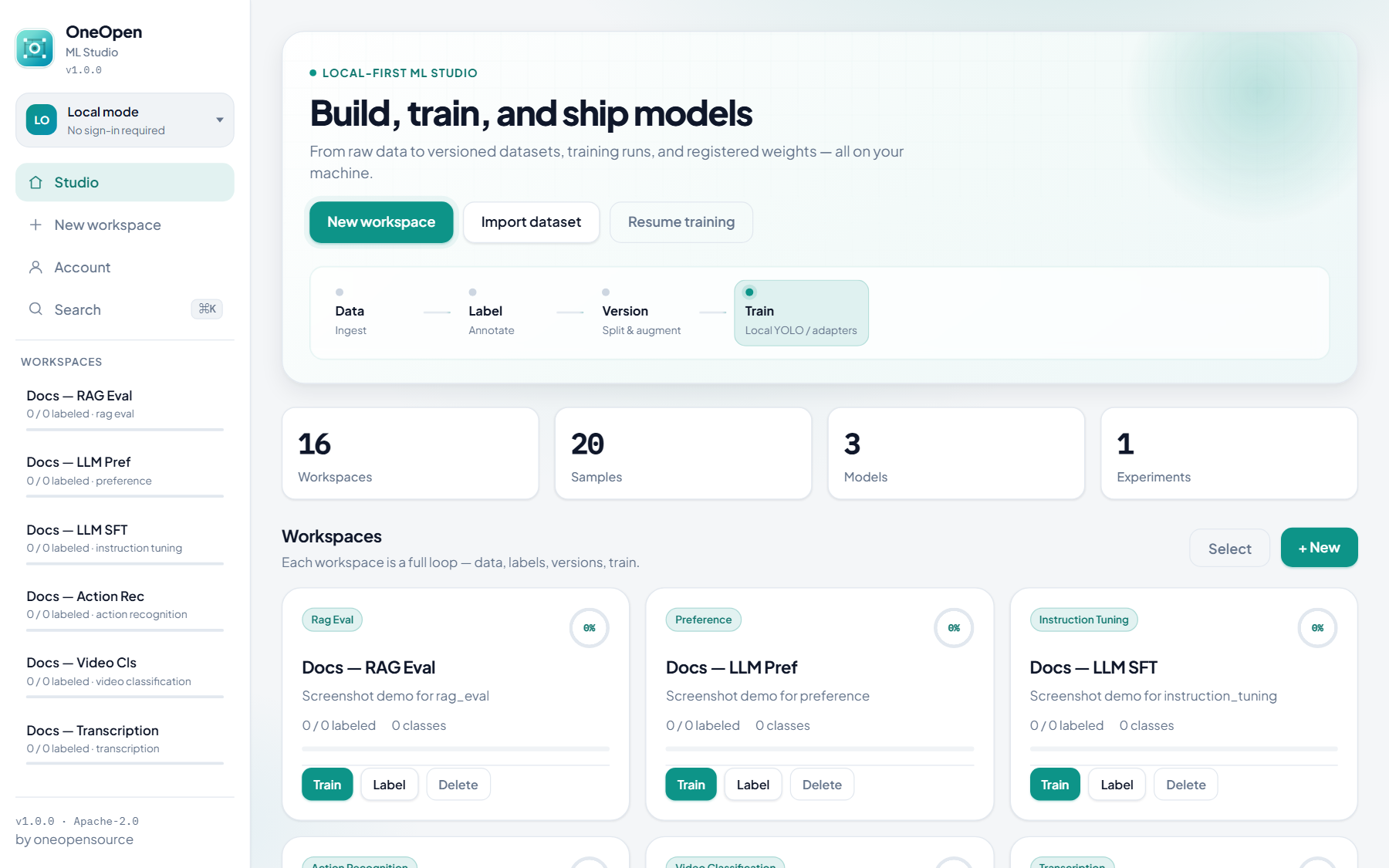
Studio overview
From the home page you create a workspace, import data, label, version (image tasks), and train.
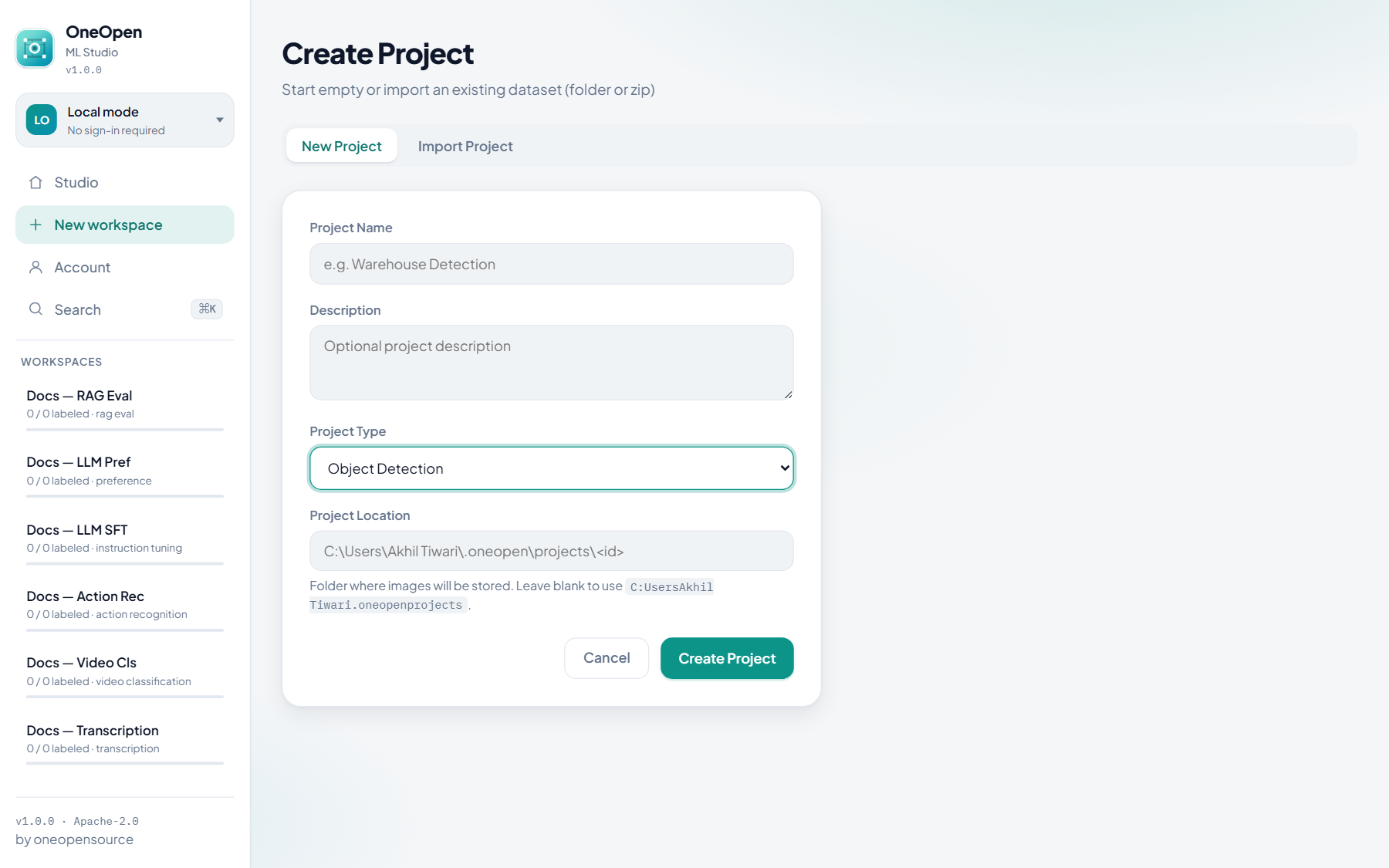
Pick the task when creating a project — this locks annotation tools, tabs, export formats, and the train catalog.
Computer vision
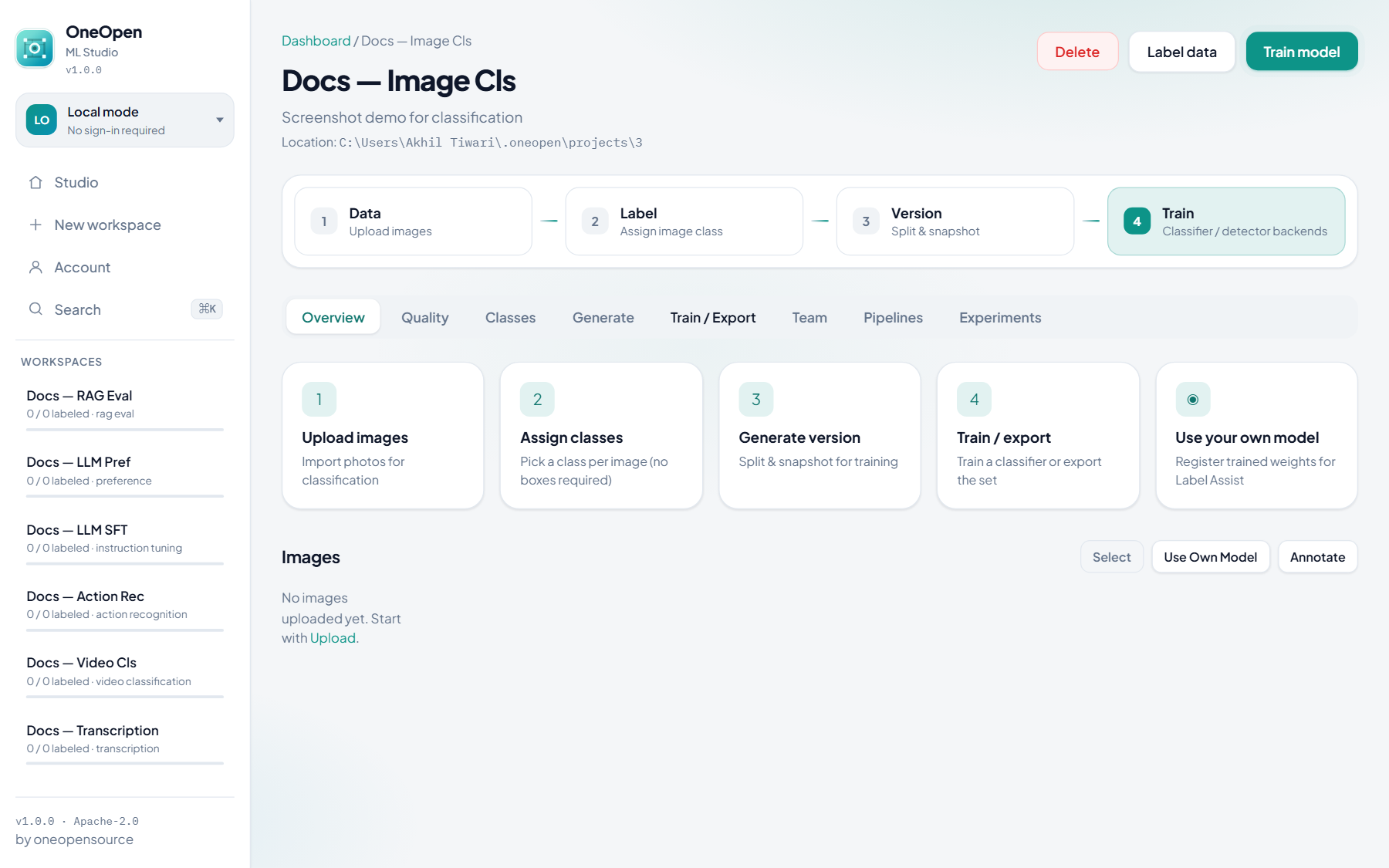
Image projects share upload + canvas (or class-click) labeling. Detection and segmentation also use Generate (preprocess / augment / split). Classification uses Generate for splits/snapshots, then YOLO-Cls or torchvision classifiers.
Object detection
Prep: upload images → draw boxes (or Label Assist) → Generate version.
Train: YOLO detect, LibreYOLO, Face (MTCNN-style / RetinaFace-style), Faster R-CNN, RetinaNet, SSD-Lite.
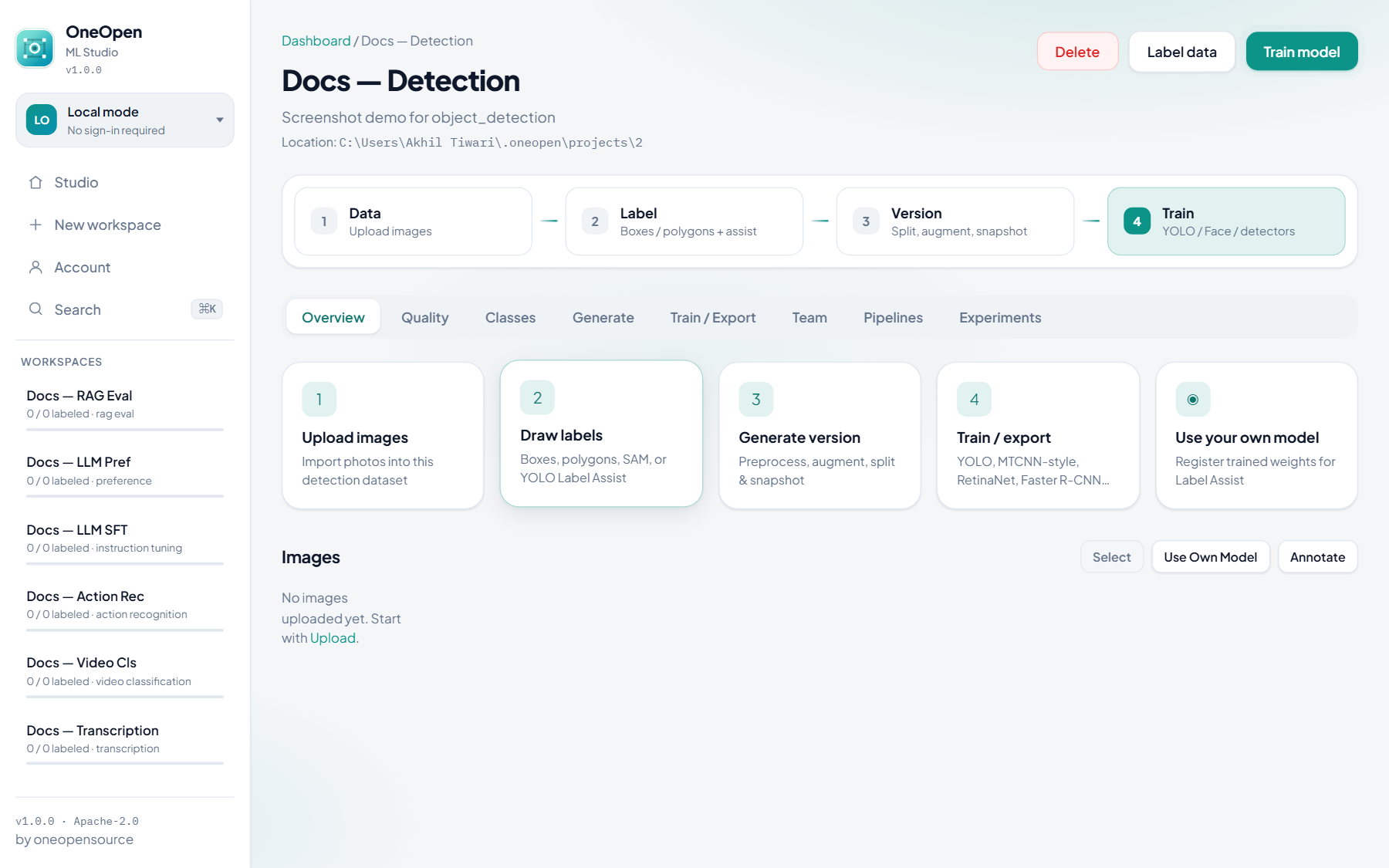
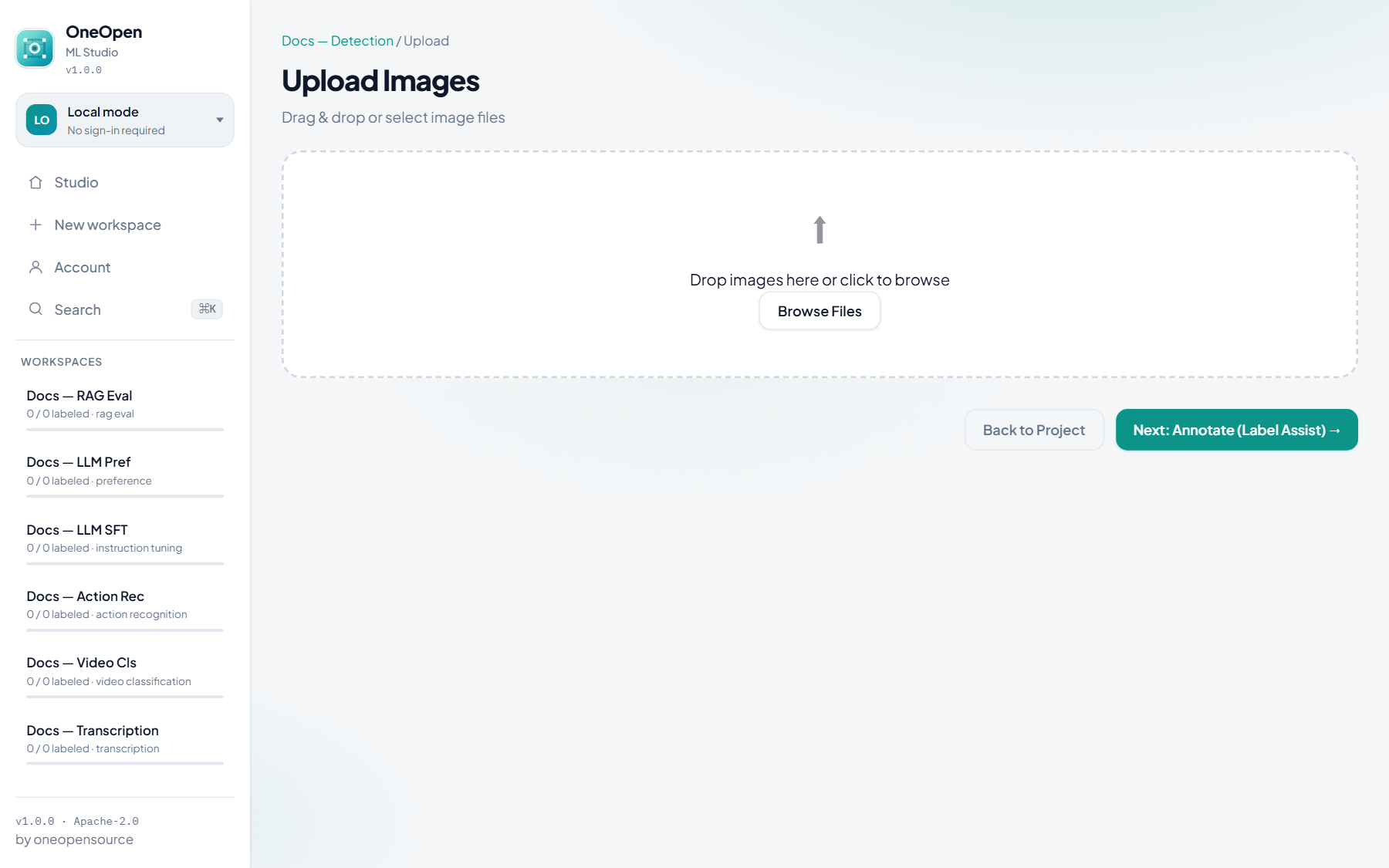
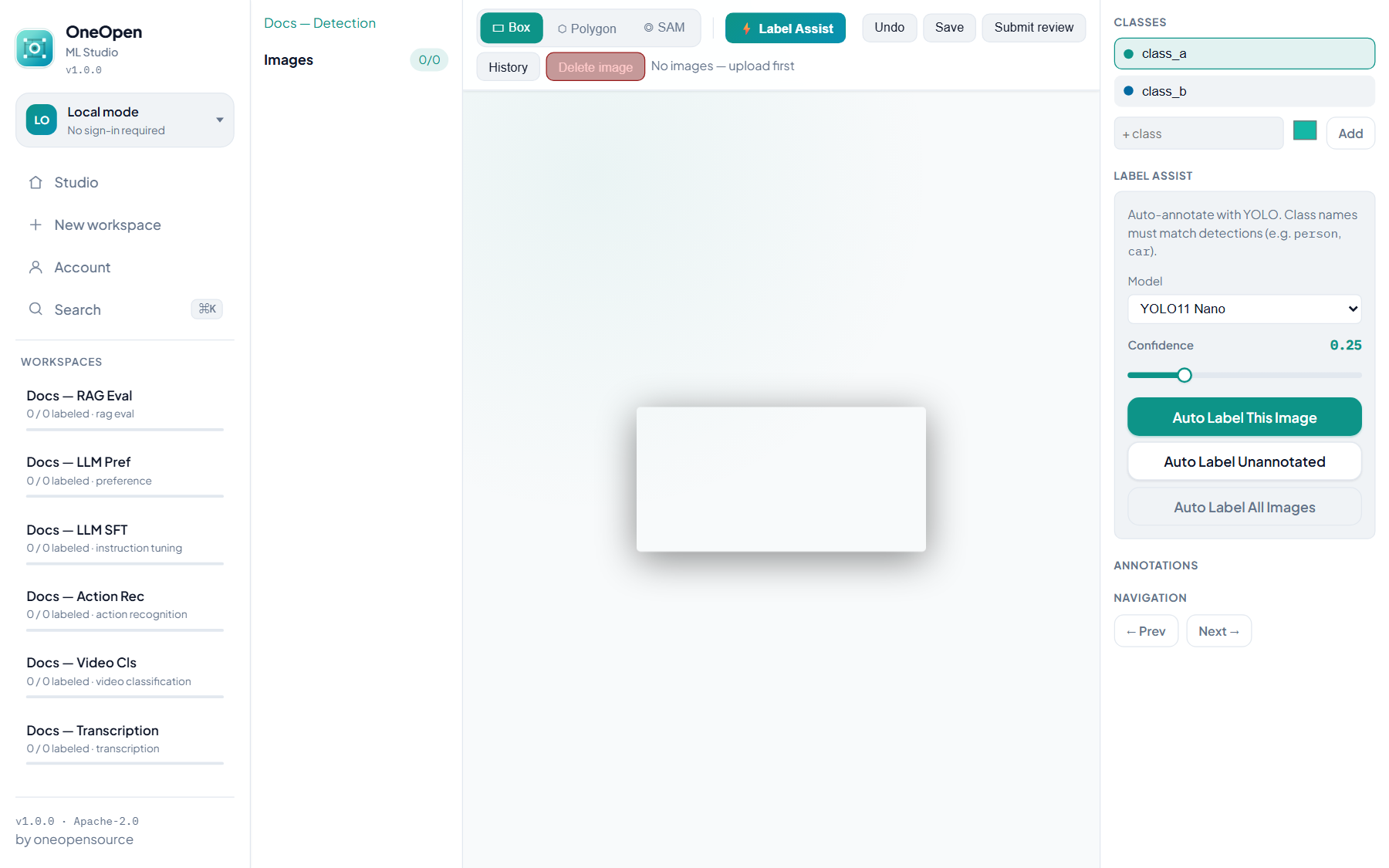
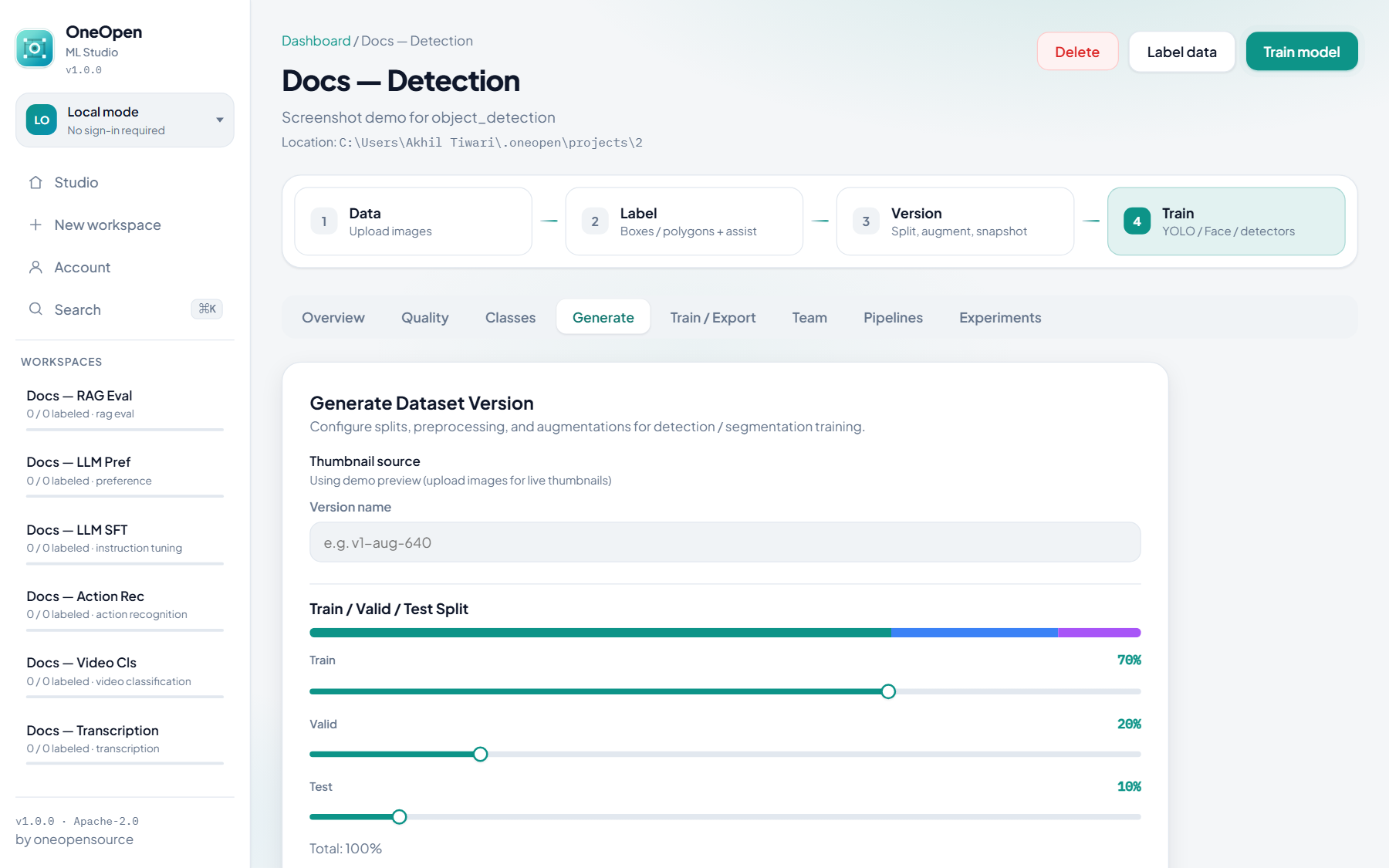
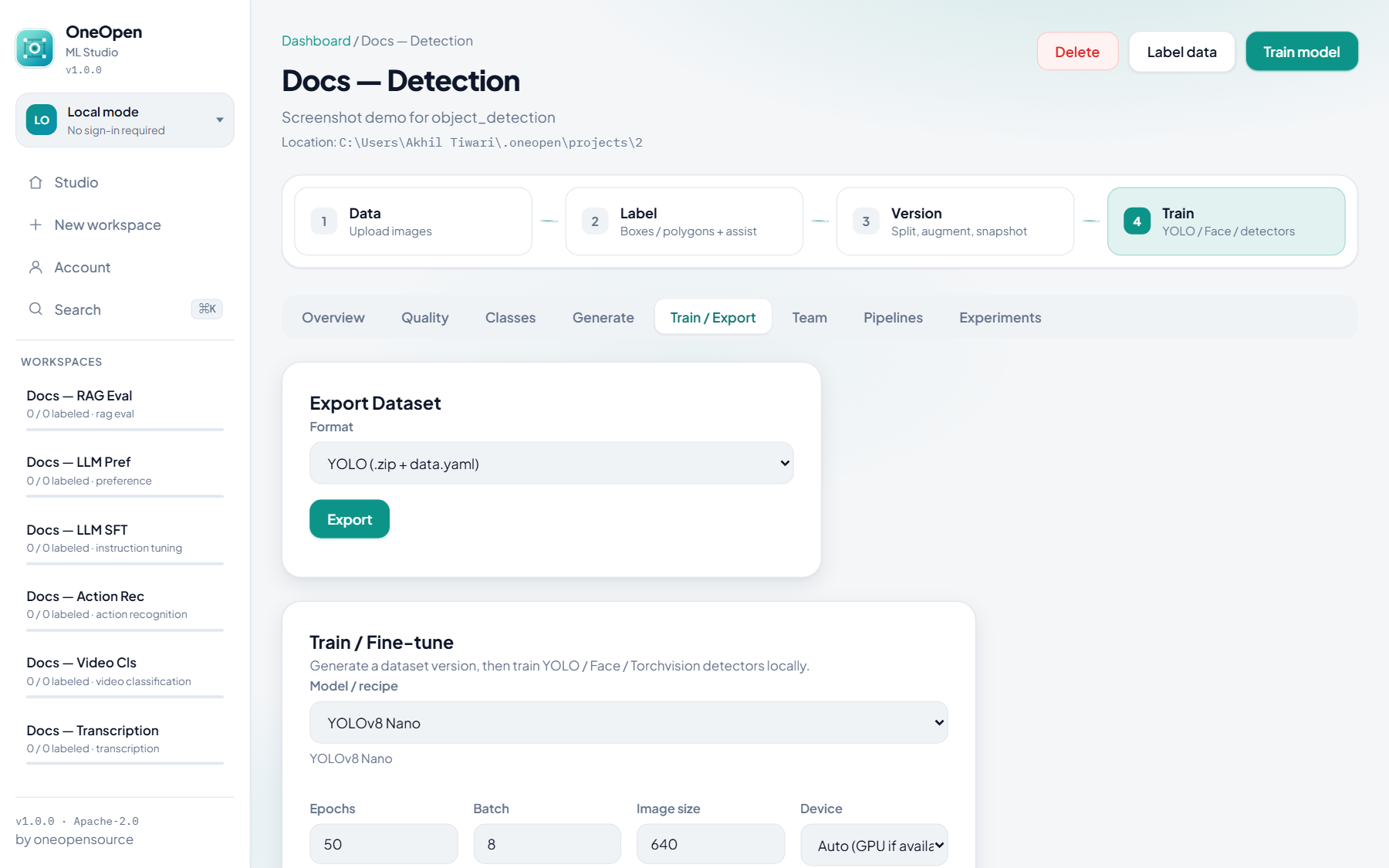
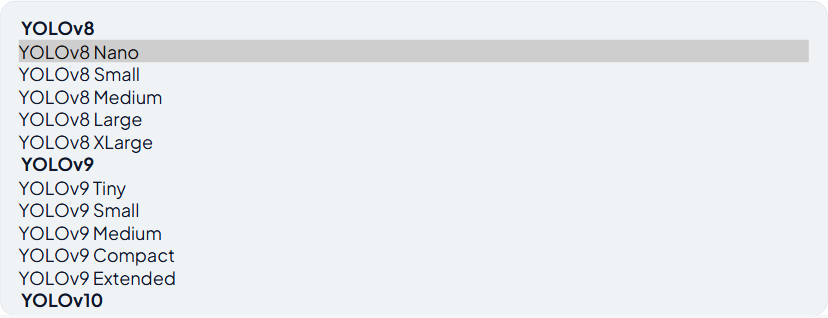
Image classification
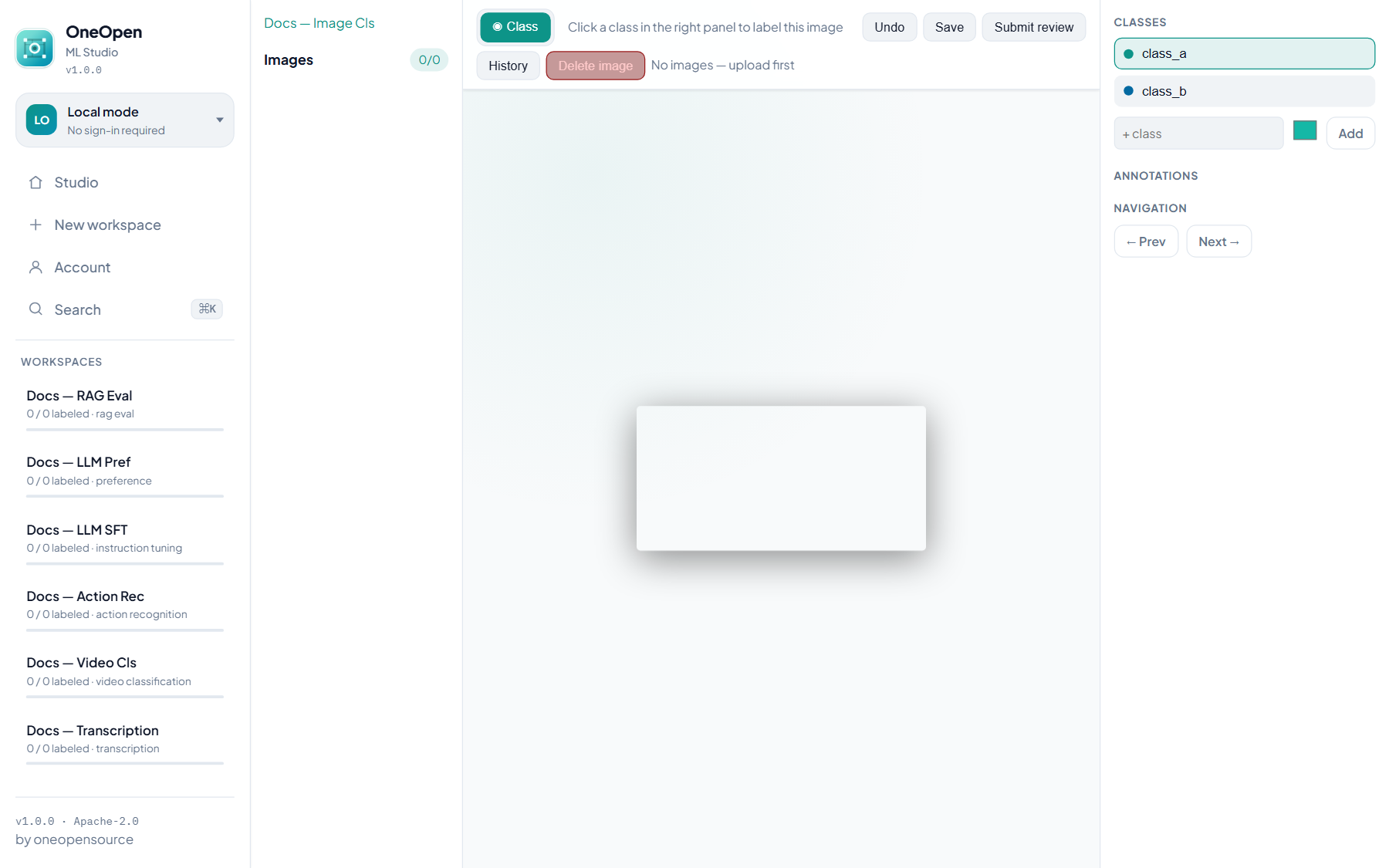
Prep: upload images → click a class per image (no boxes).
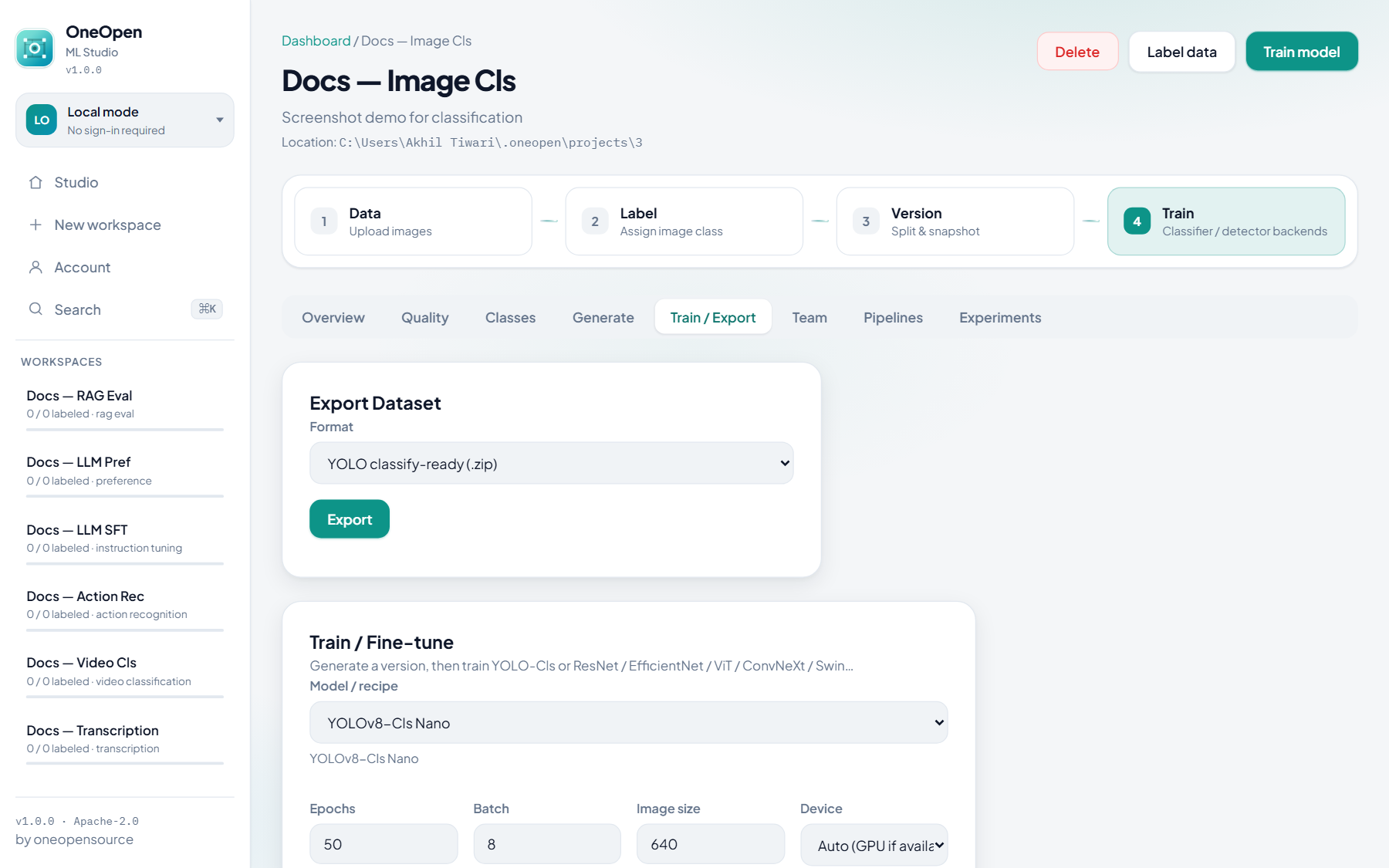
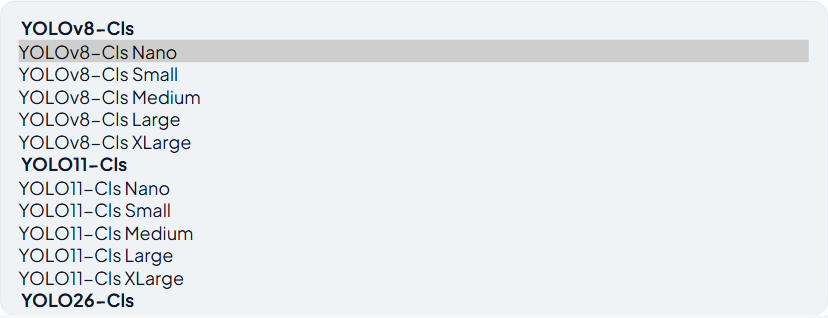
Train: YOLO-Cls (v8 / 11 / 26) plus ResNet, EfficientNet, MobileNetV3, ConvNeXt, ViT, DenseNet, Swin, MaxViT, SqueezeNet.
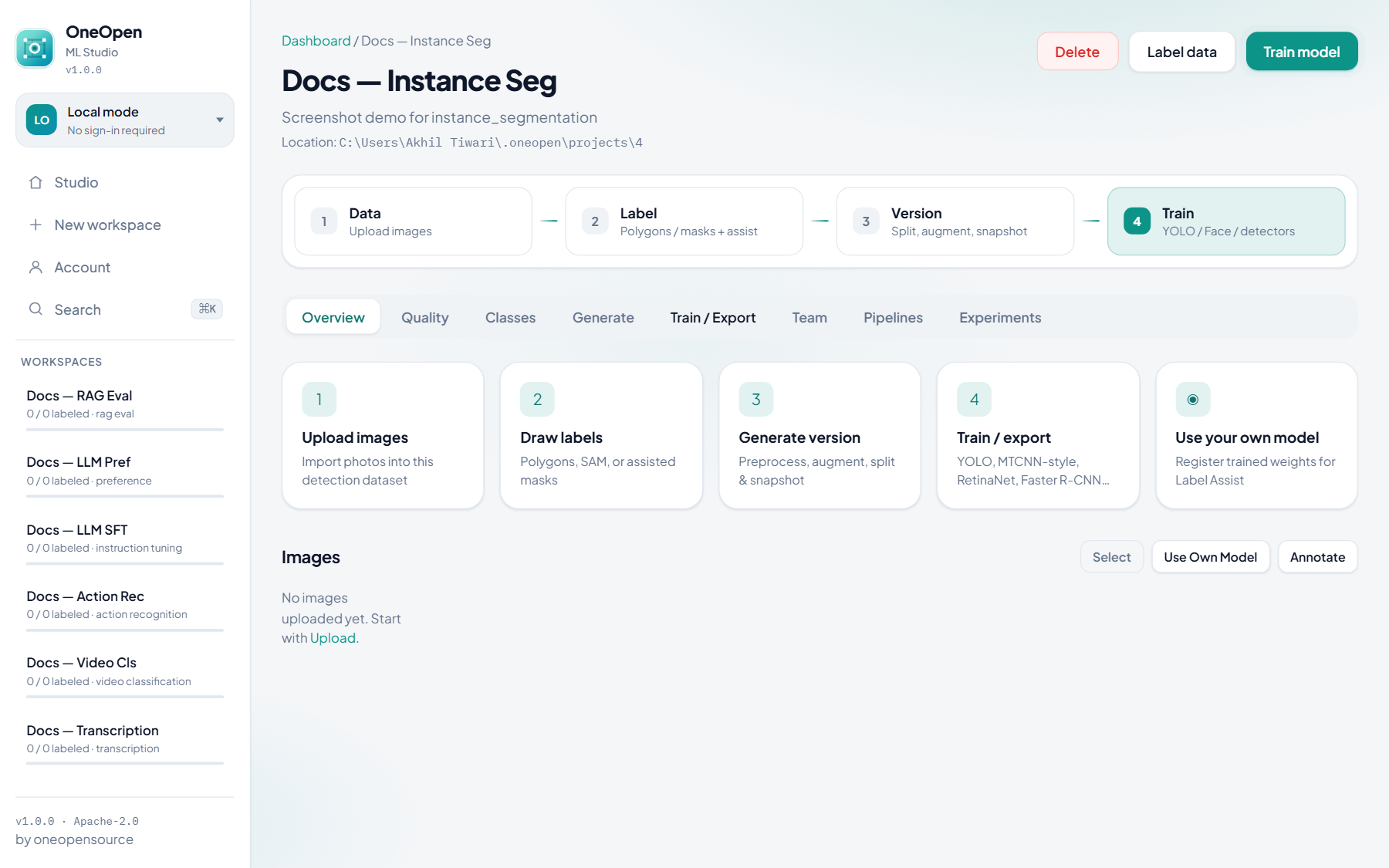
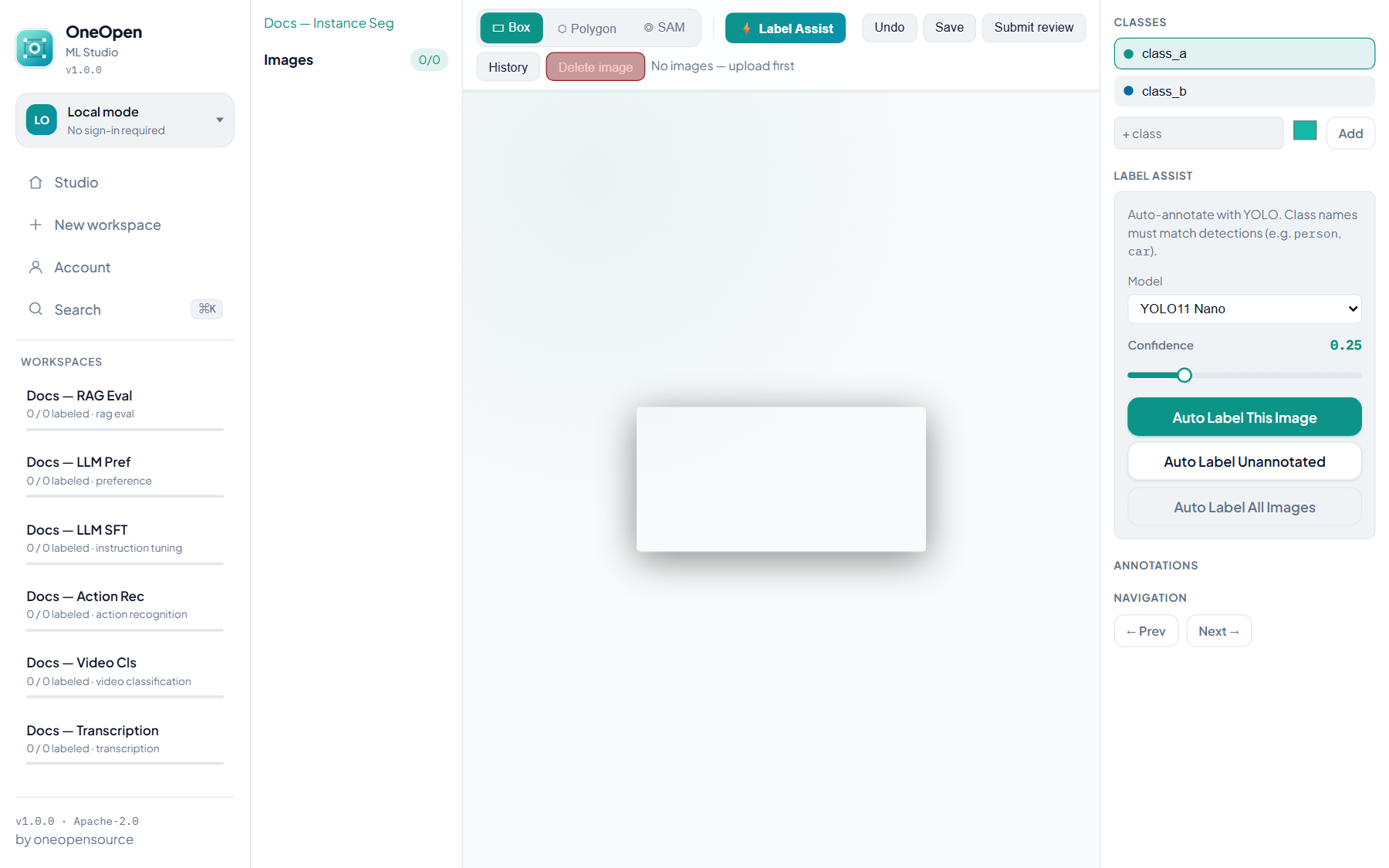
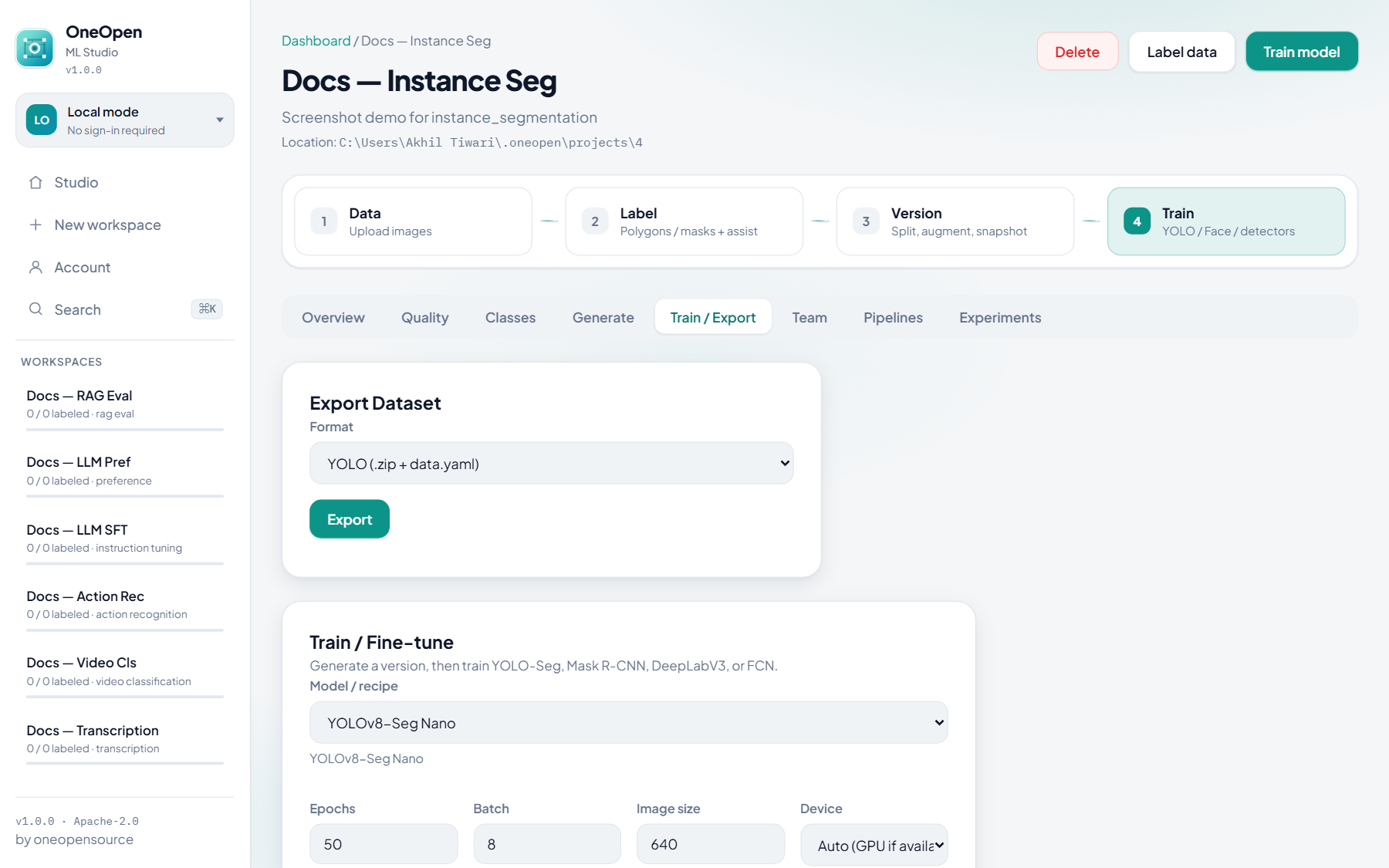
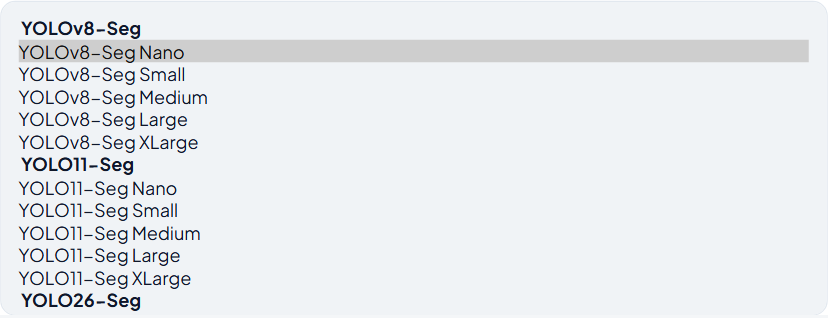
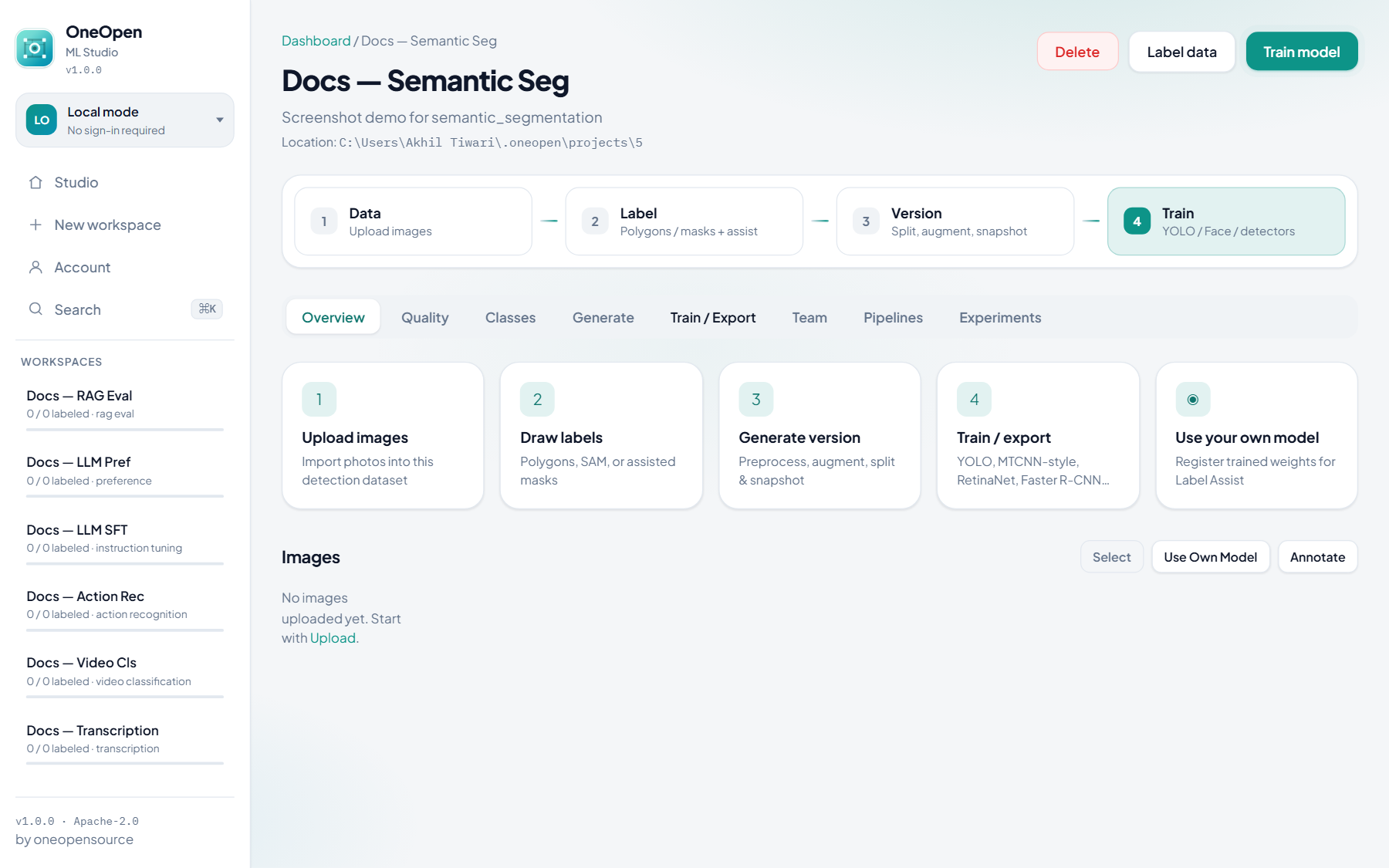
Instance & semantic segmentation
Prep: upload images → polygons / SAM (and boxes if needed) → Generate.
Train: YOLO-Seg (v8 / 11 / 26), Mask R-CNN, DeepLabV3, FCN, LR-ASPP.
Instance and semantic projects share the same segment train catalog; labeling emphasis is masks/polygons.
Text & tabular
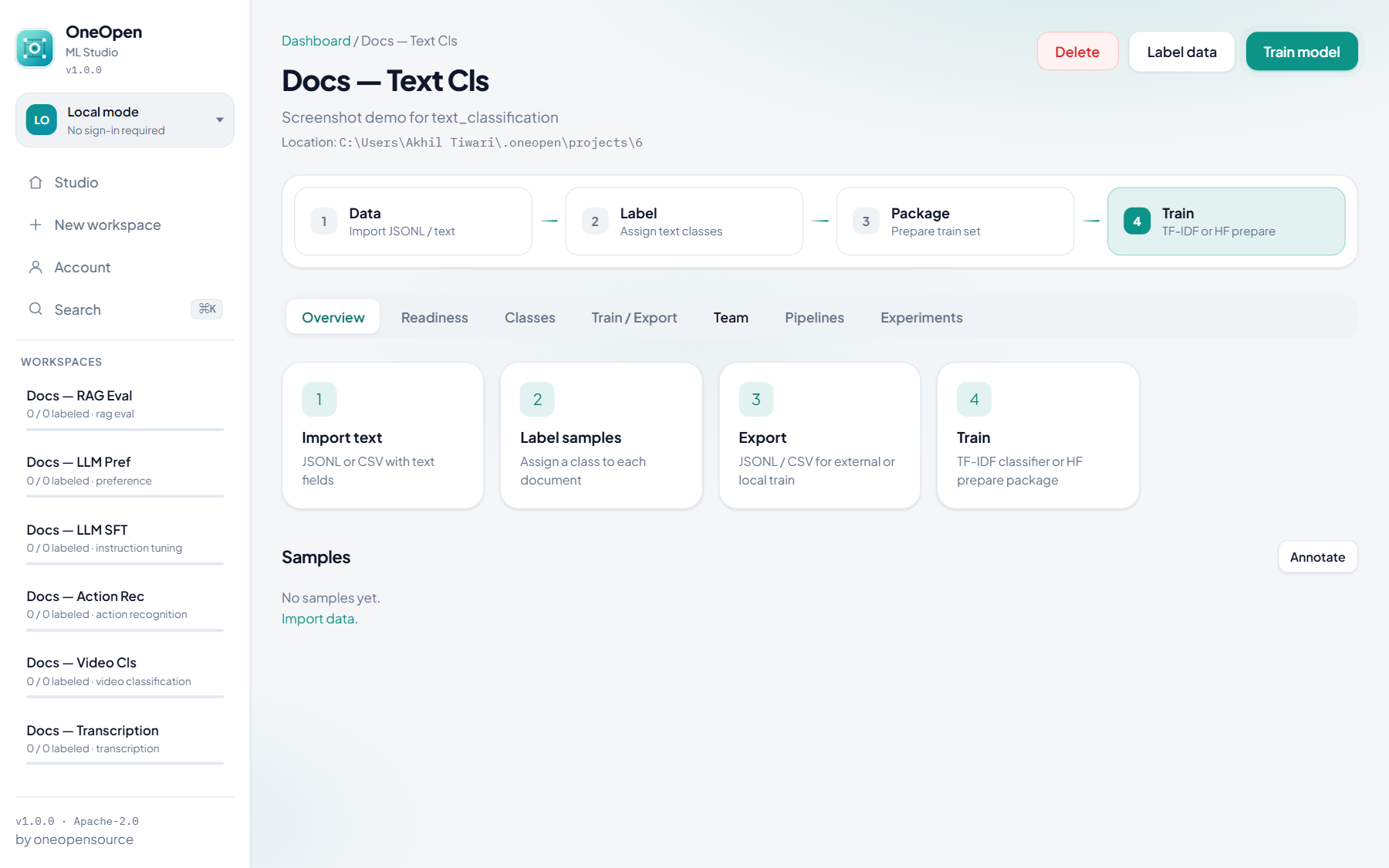
No Generate tab — import samples, label, then Train / Export (JSONL / CSV + adapters).
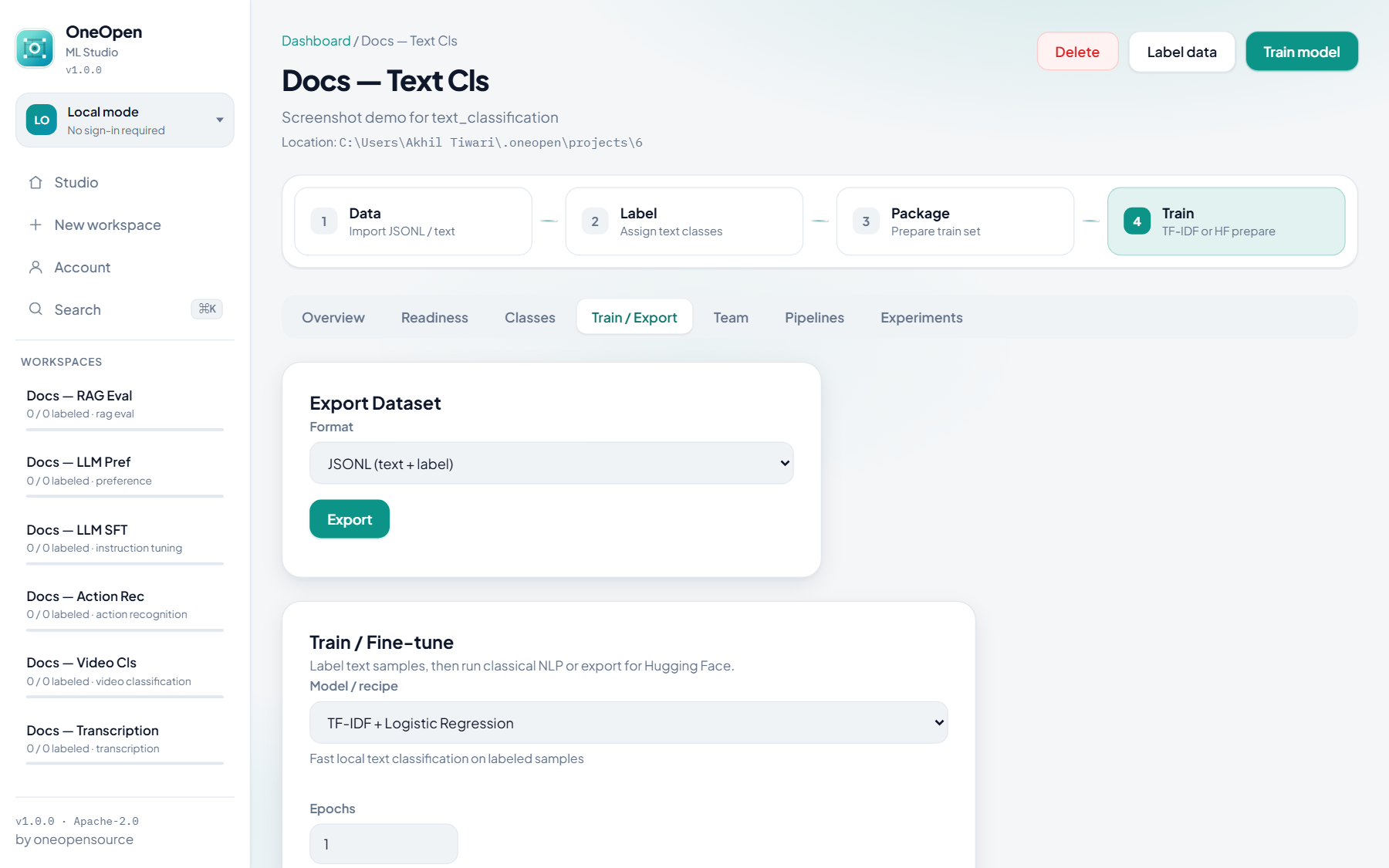
Text classification
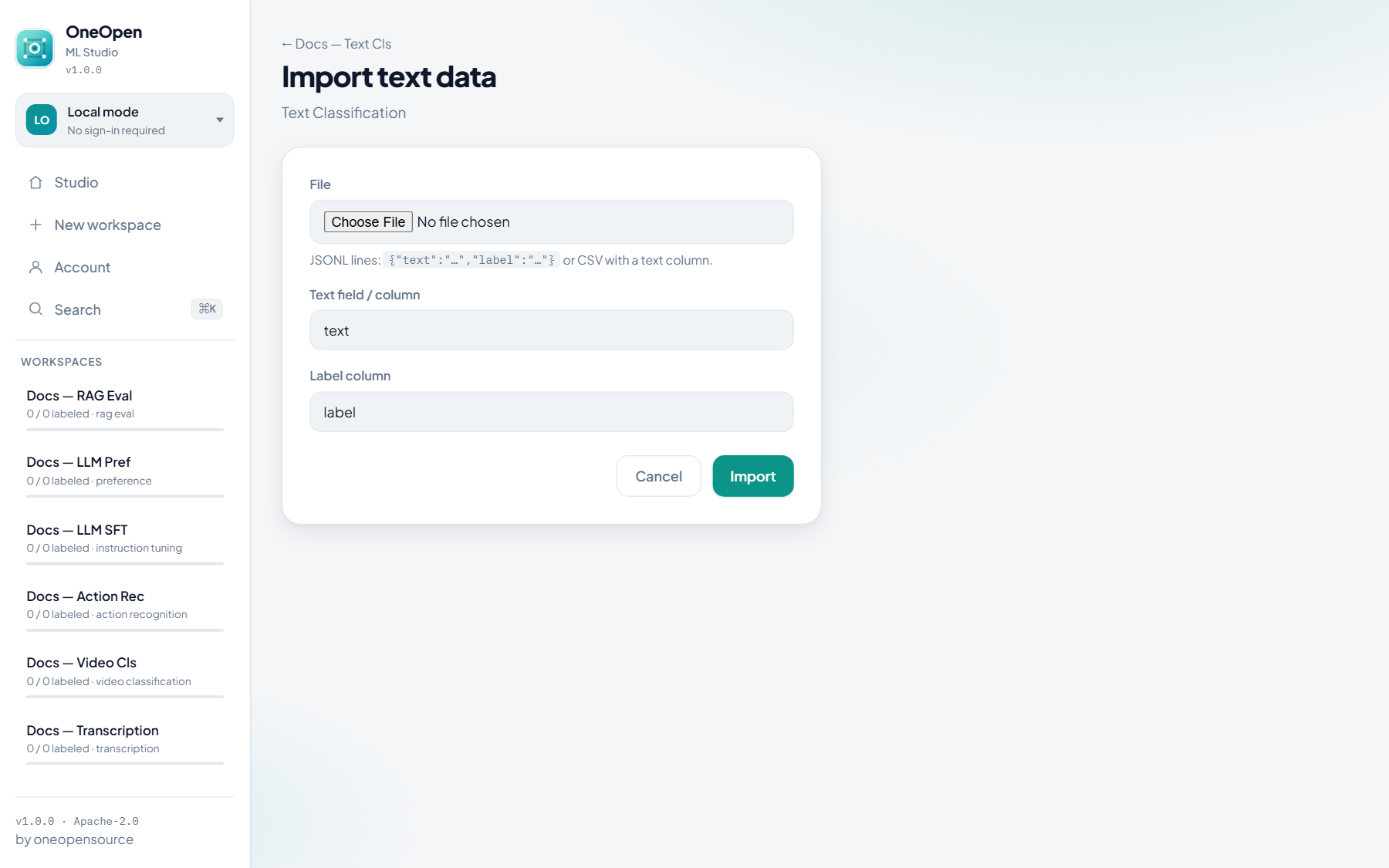
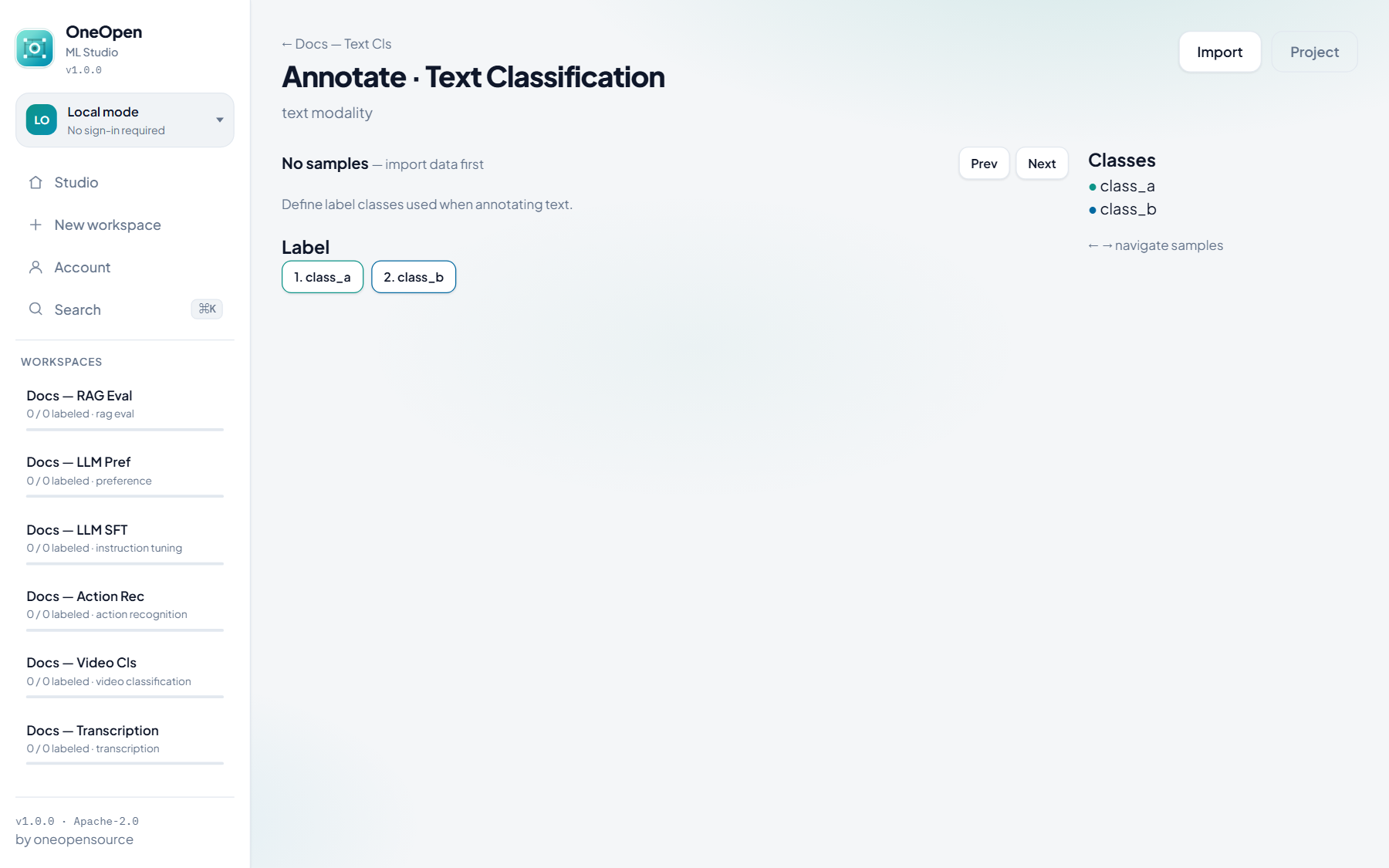
Prep: import JSONL/CSV → assign class buttons.
Train: TF-IDF + Logistic Regression (fit) or Hugging Face prepare package.

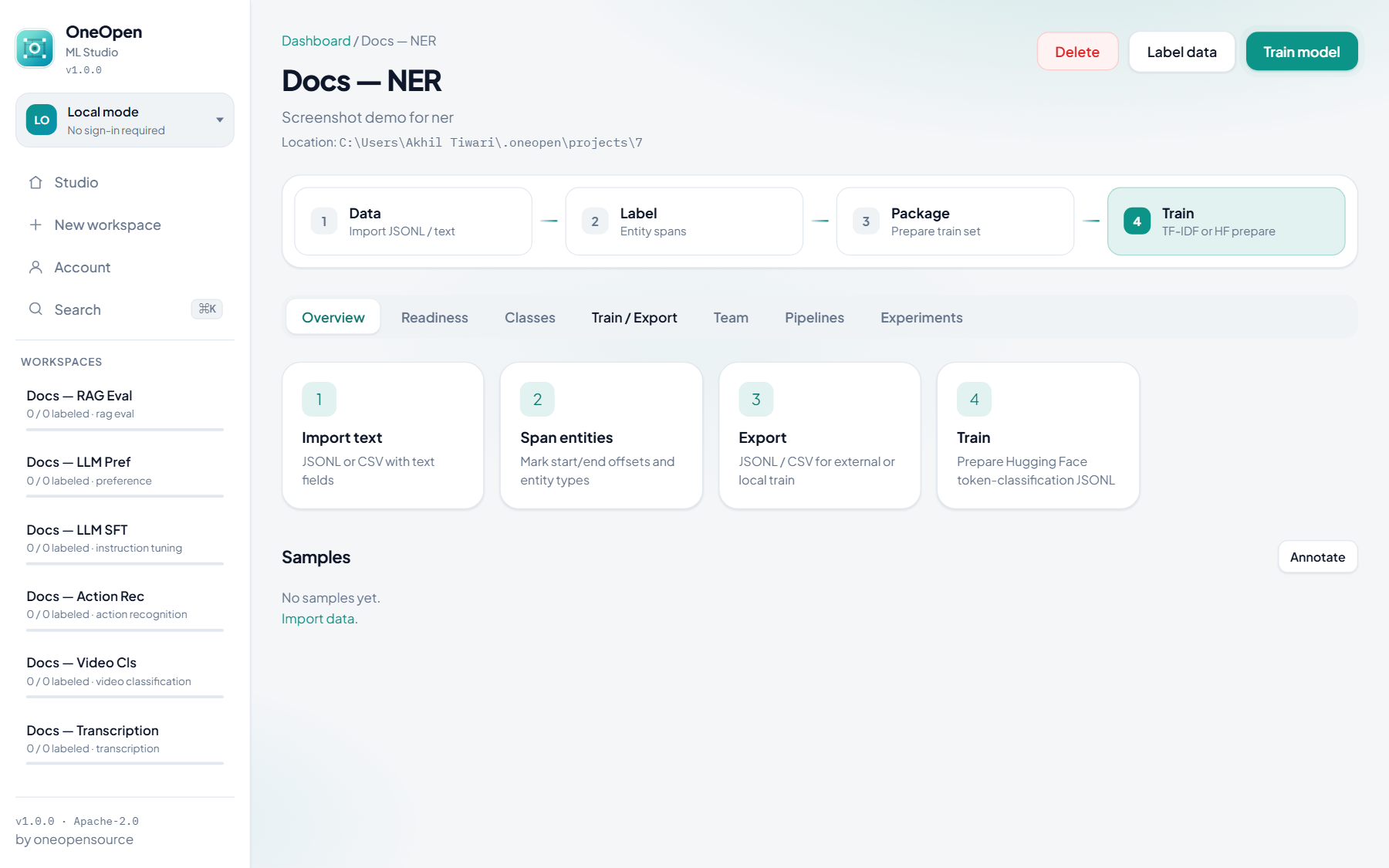
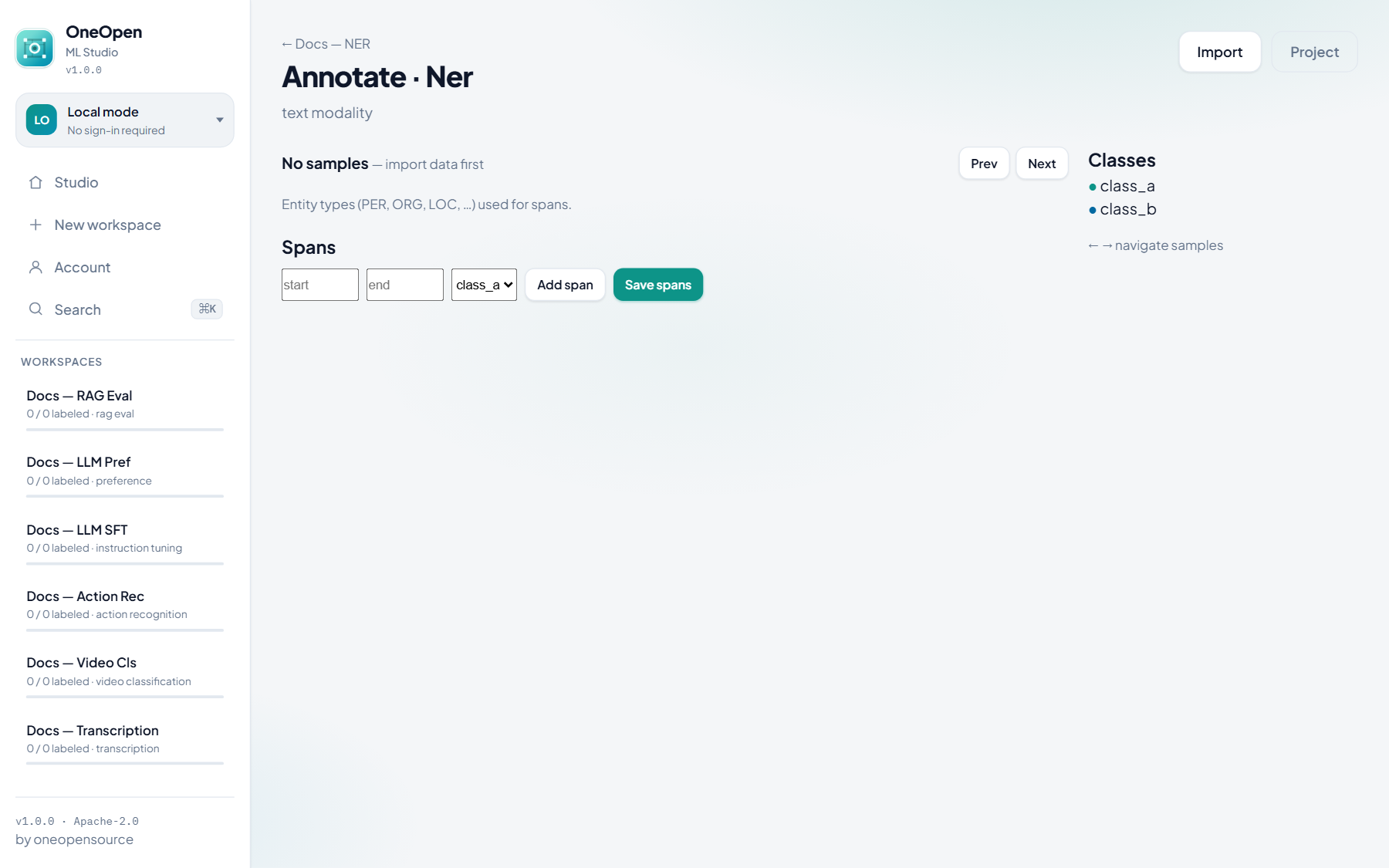
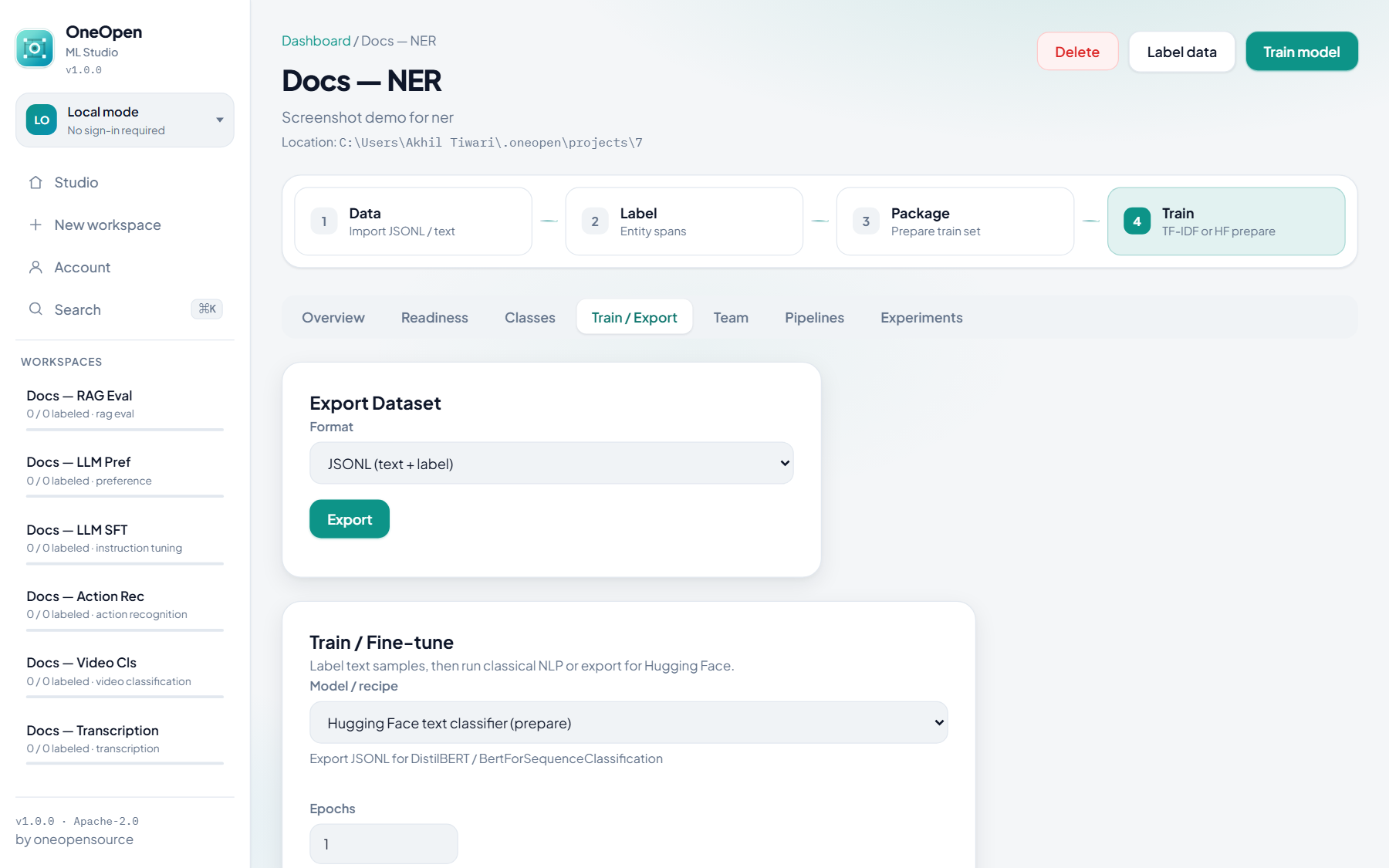
Named entity recognition (NER)
Prep: import text → mark character spans + entity types.
Train: Hugging Face token-classification prepare JSONL.
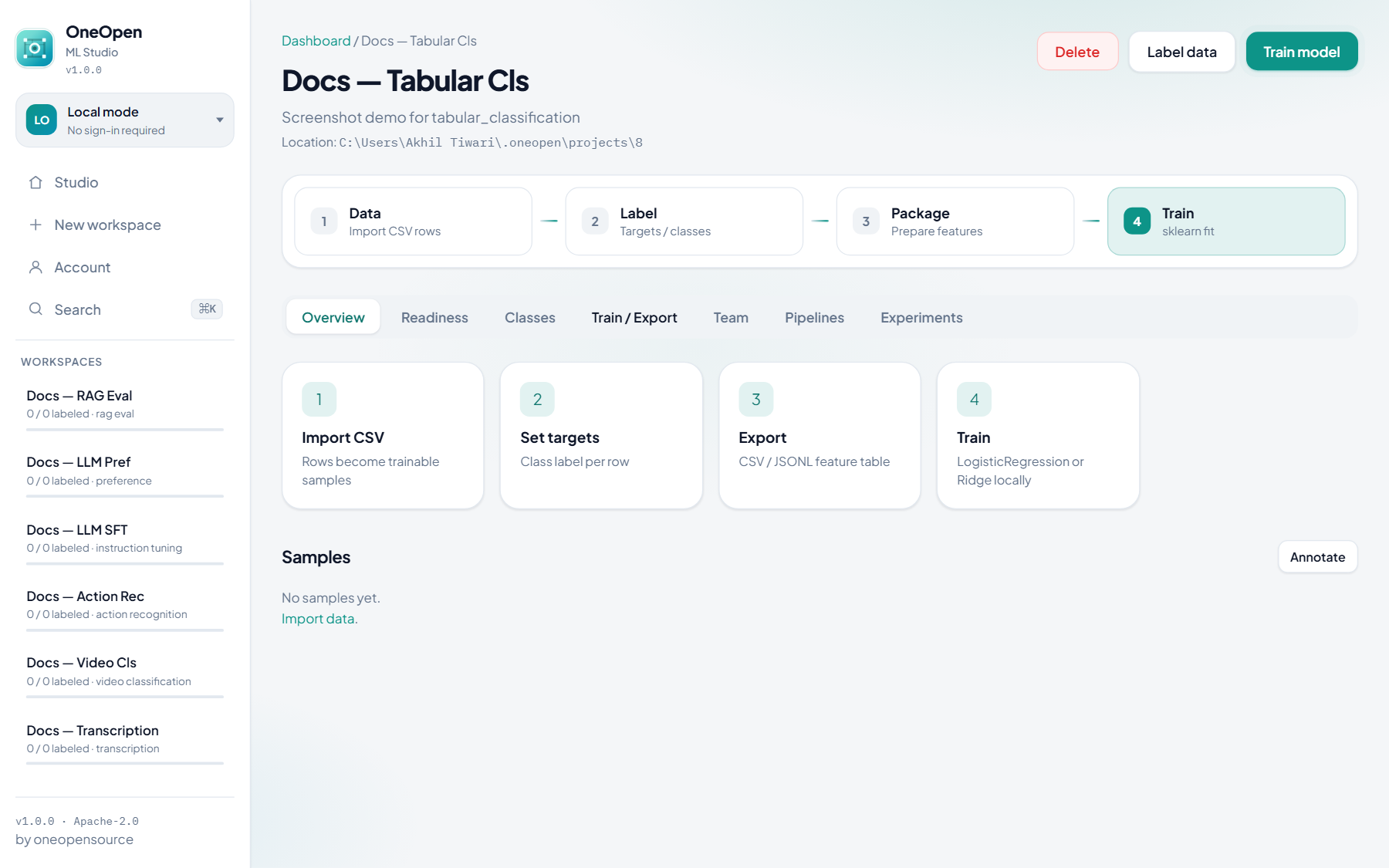
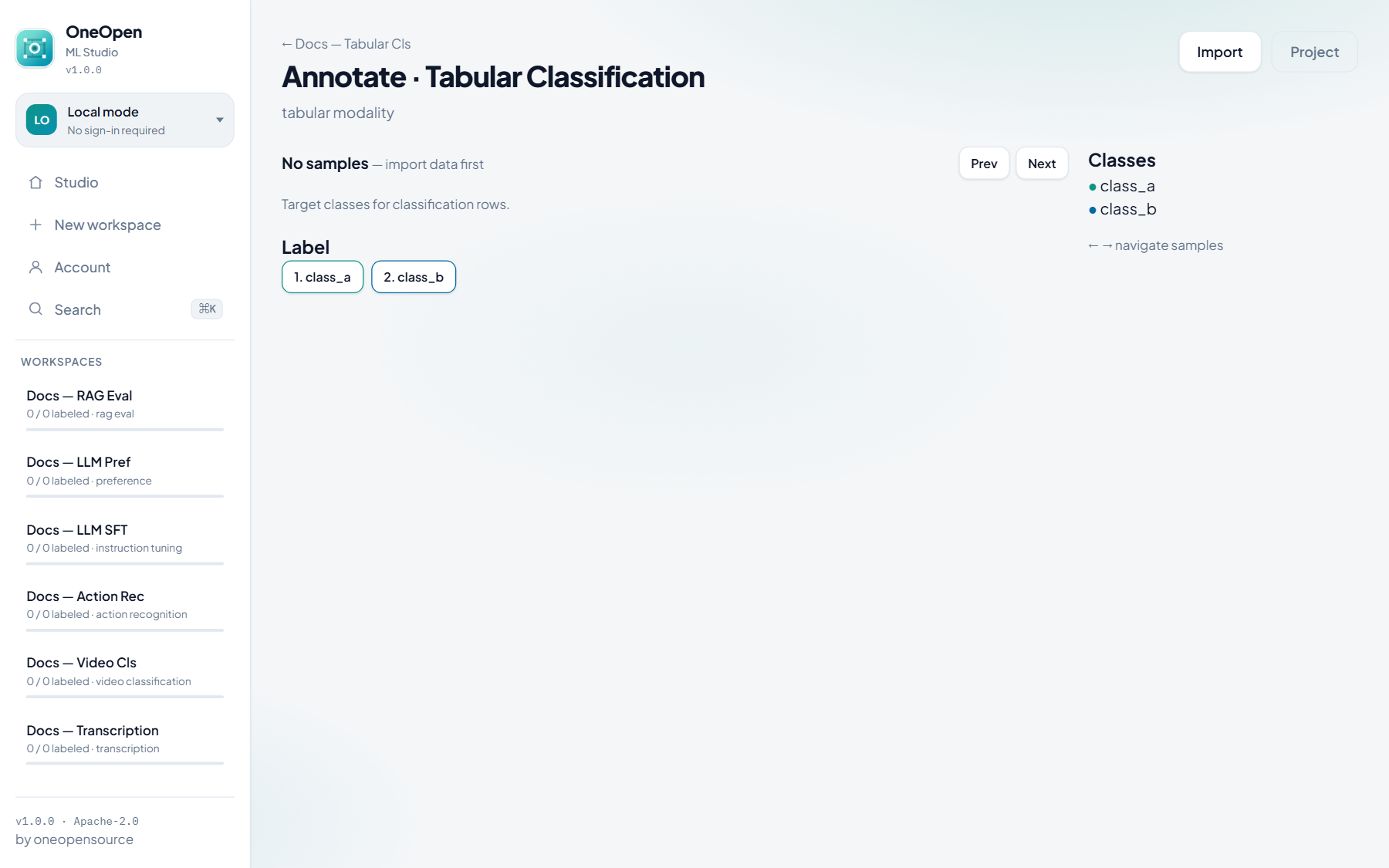
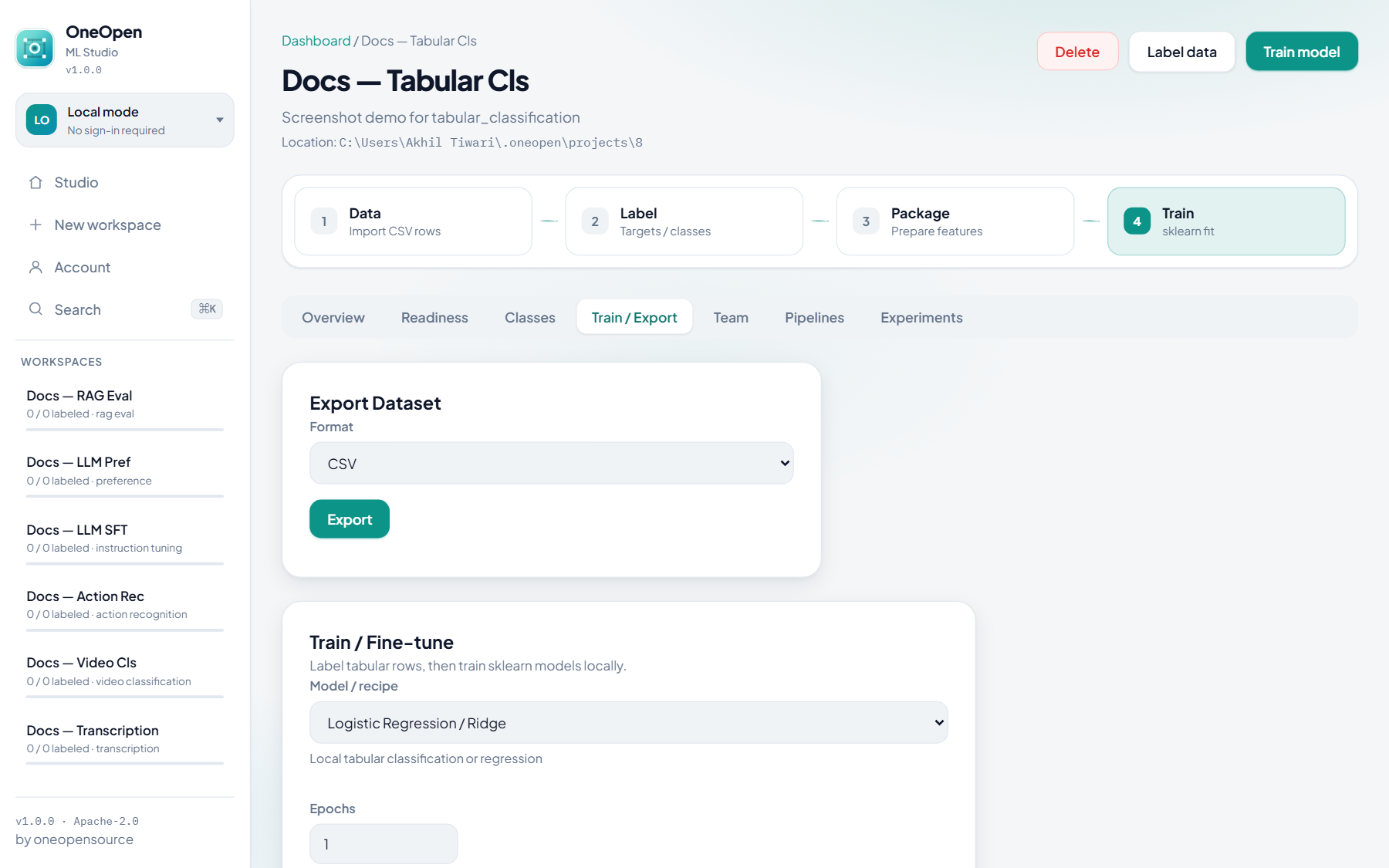
Tabular classification
Prep: import CSV rows → class per row.
Train: sklearn Logistic Regression.
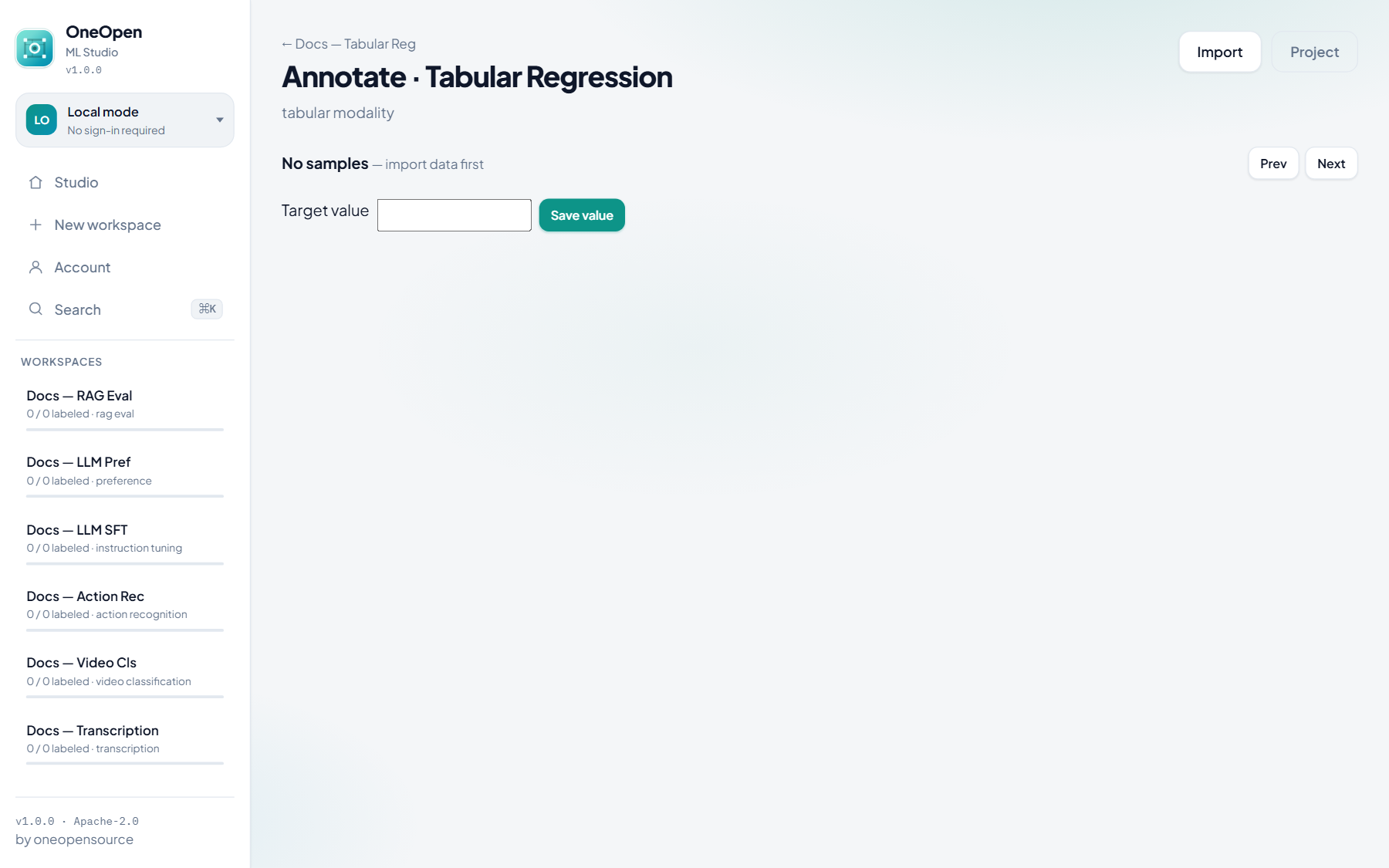
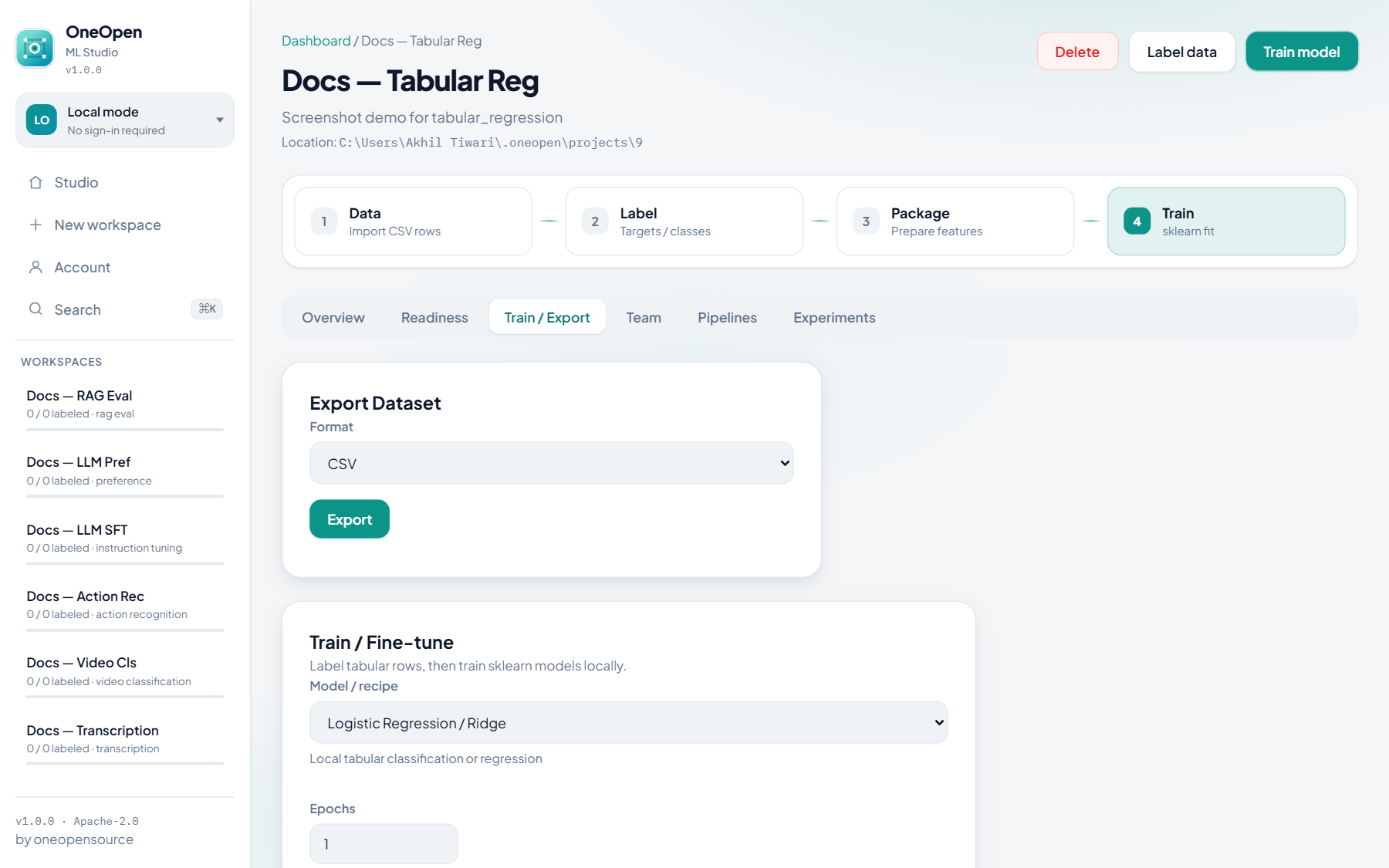
Tabular regression
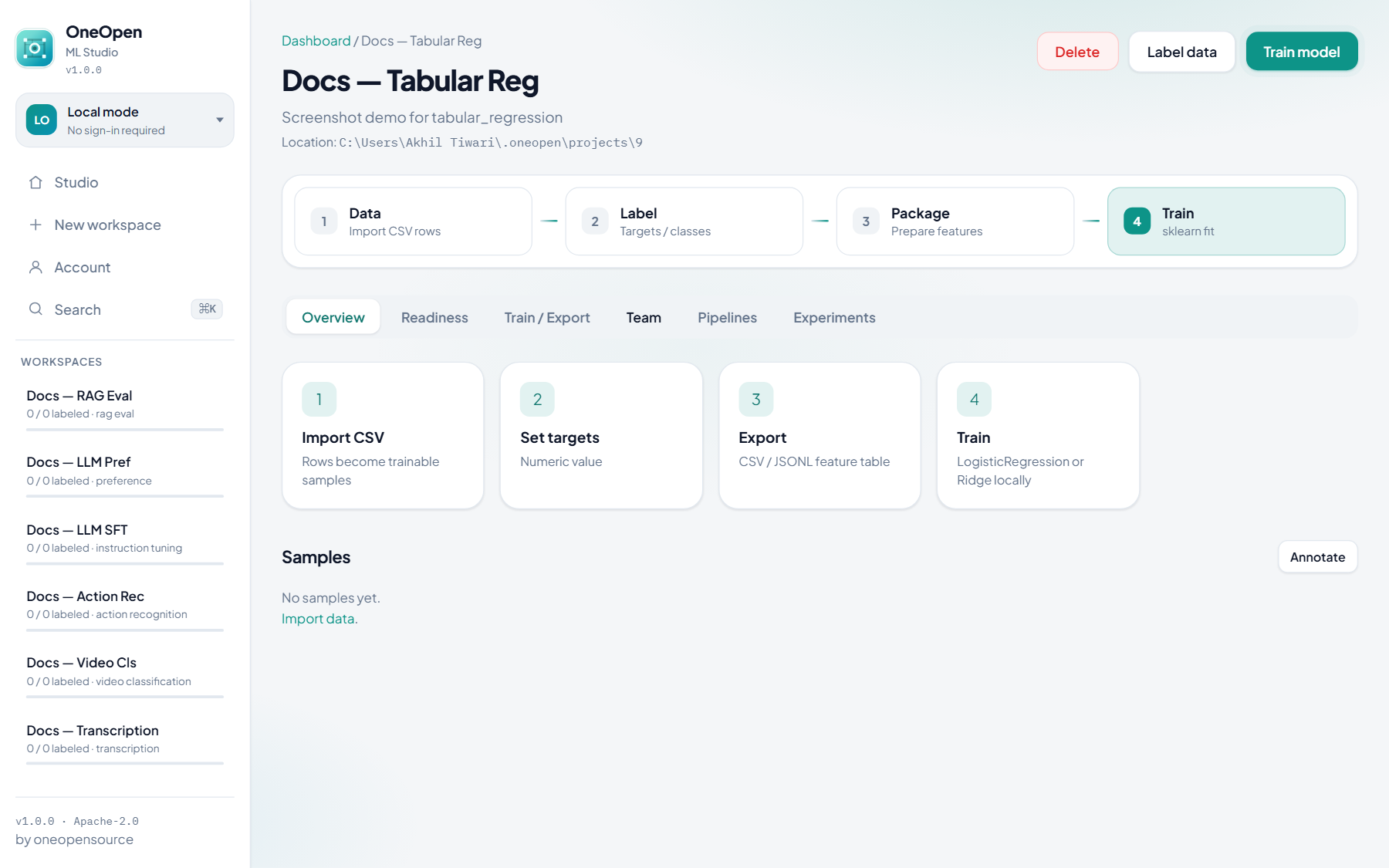
Prep: import CSV → numeric target (no Classes tab).
Train: sklearn Ridge / regression adapter.
Audio & video
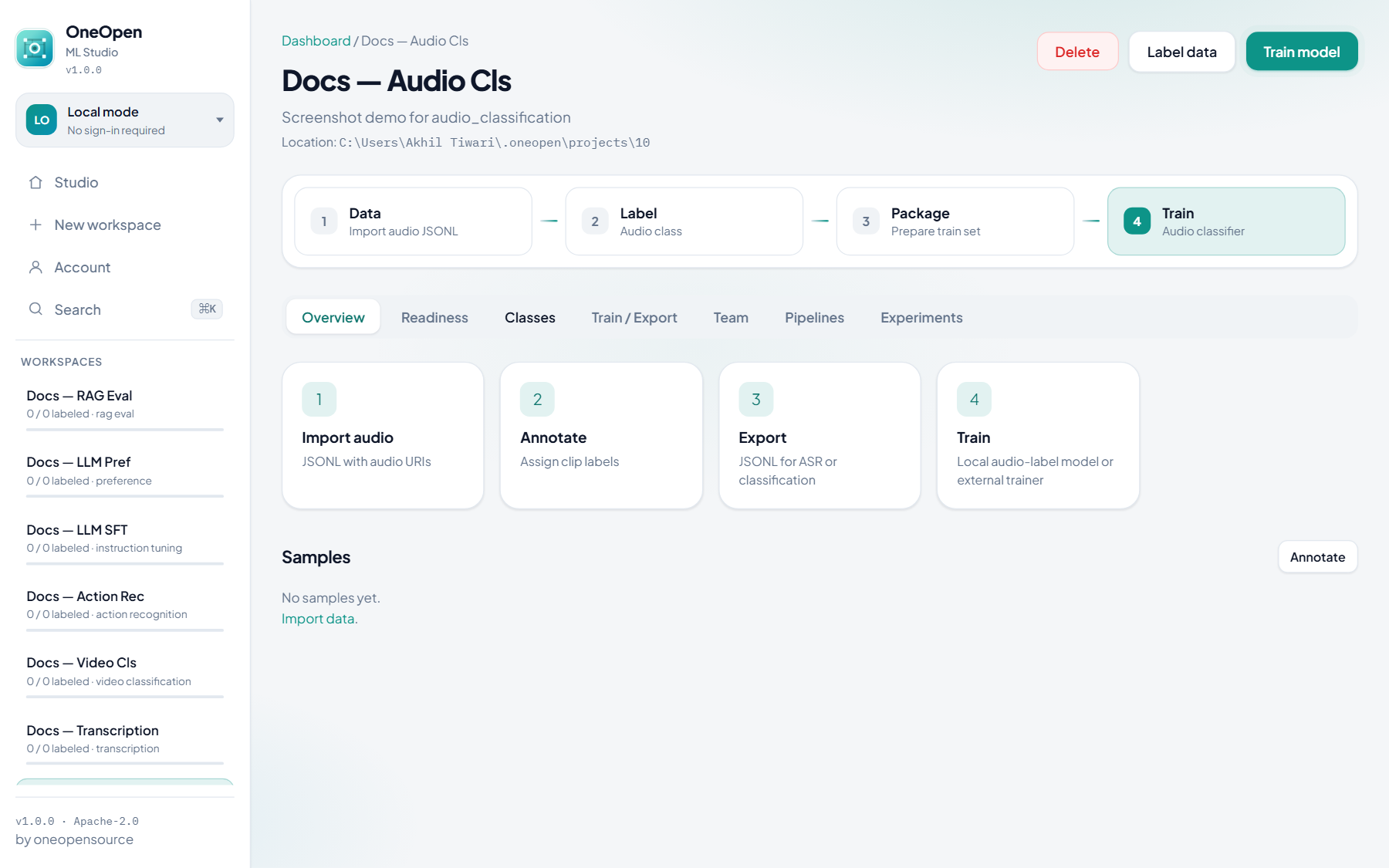
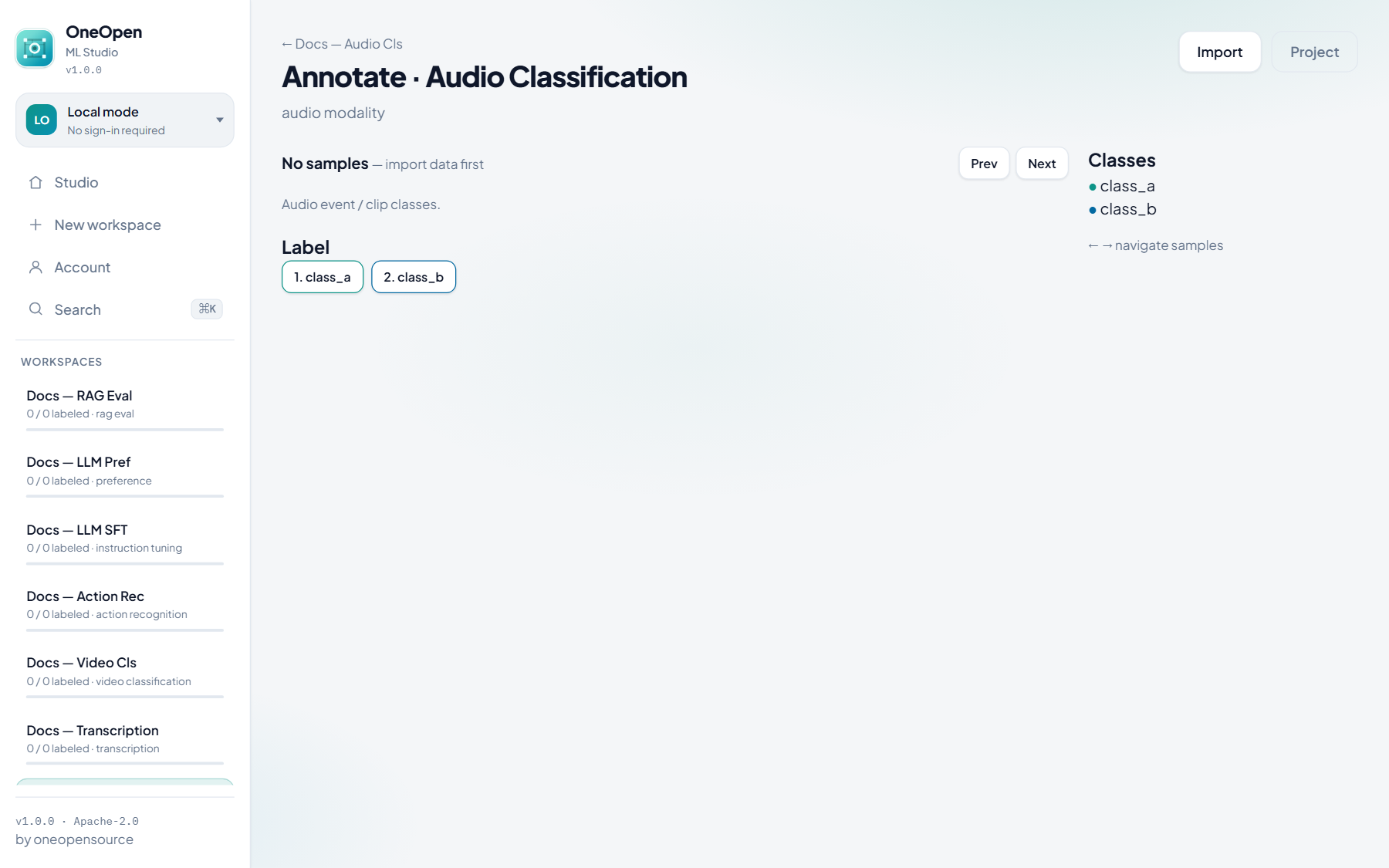
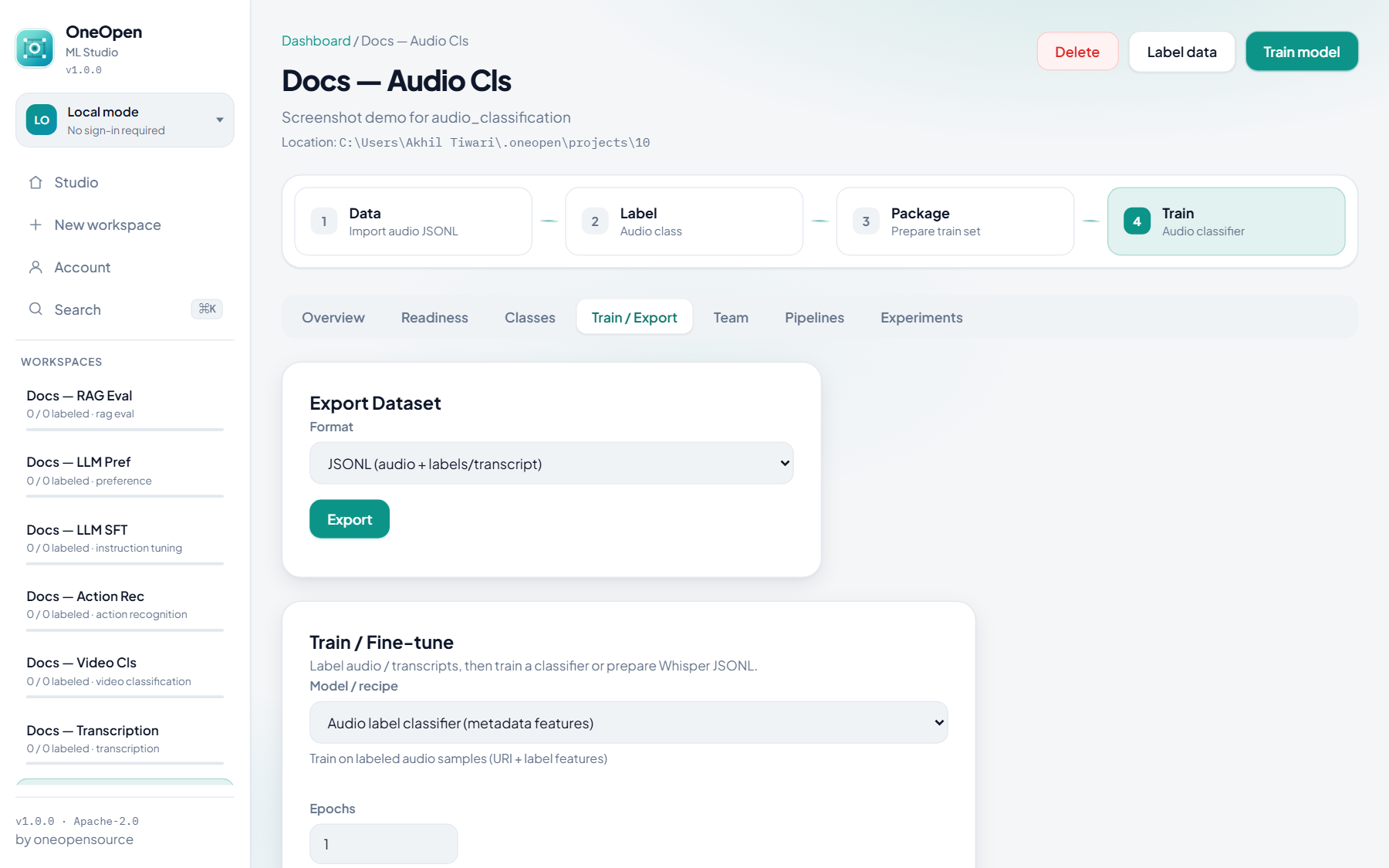
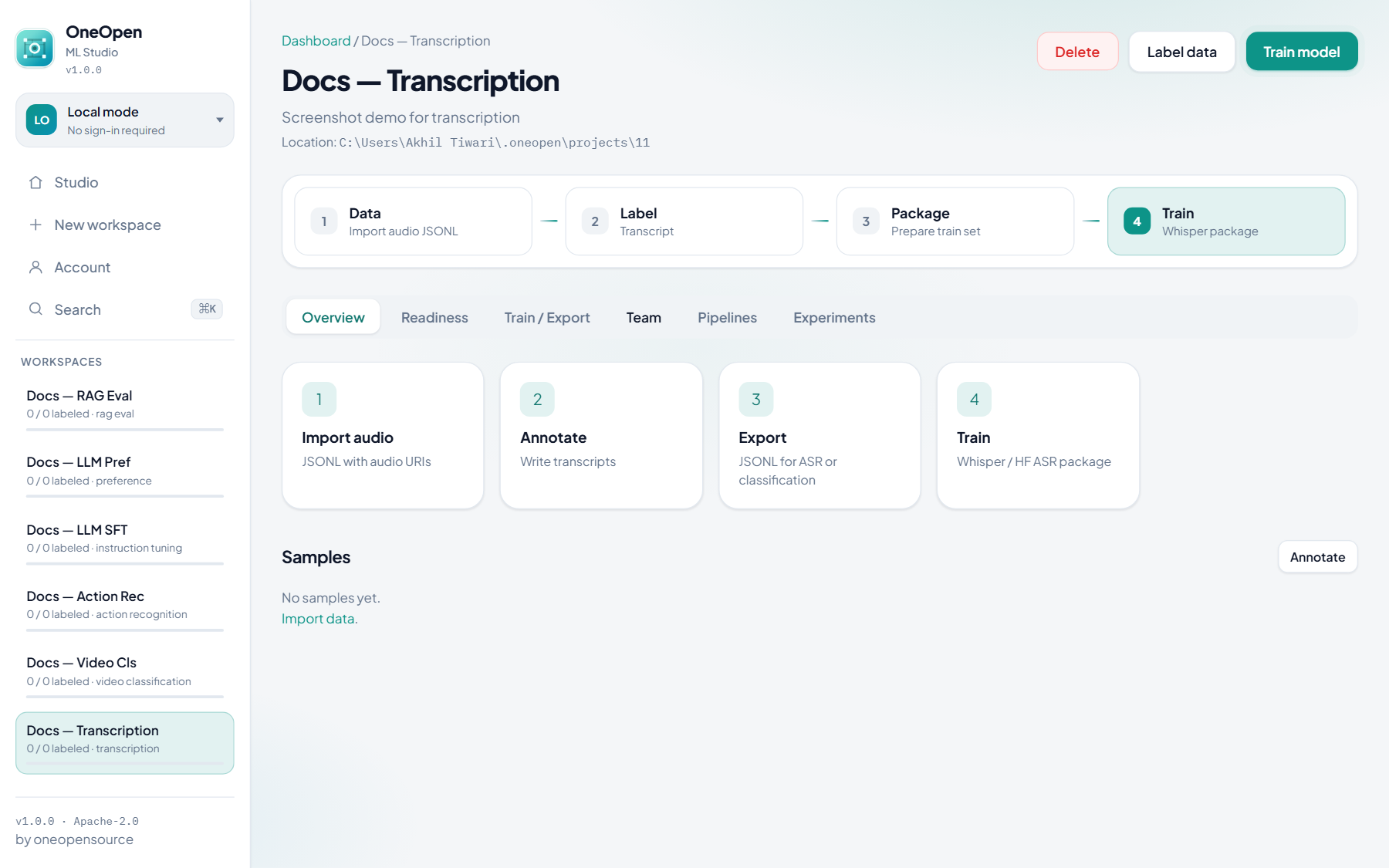
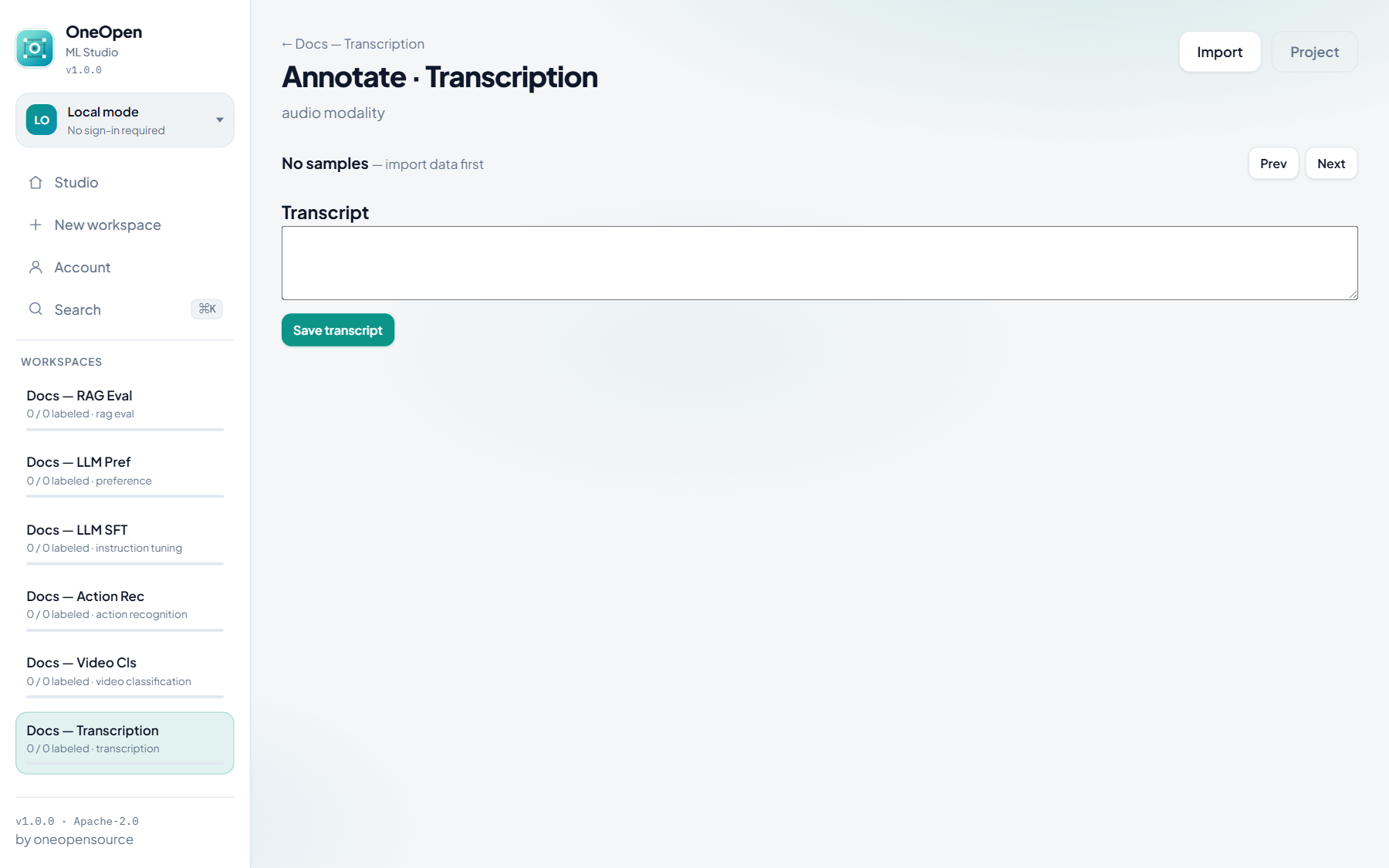
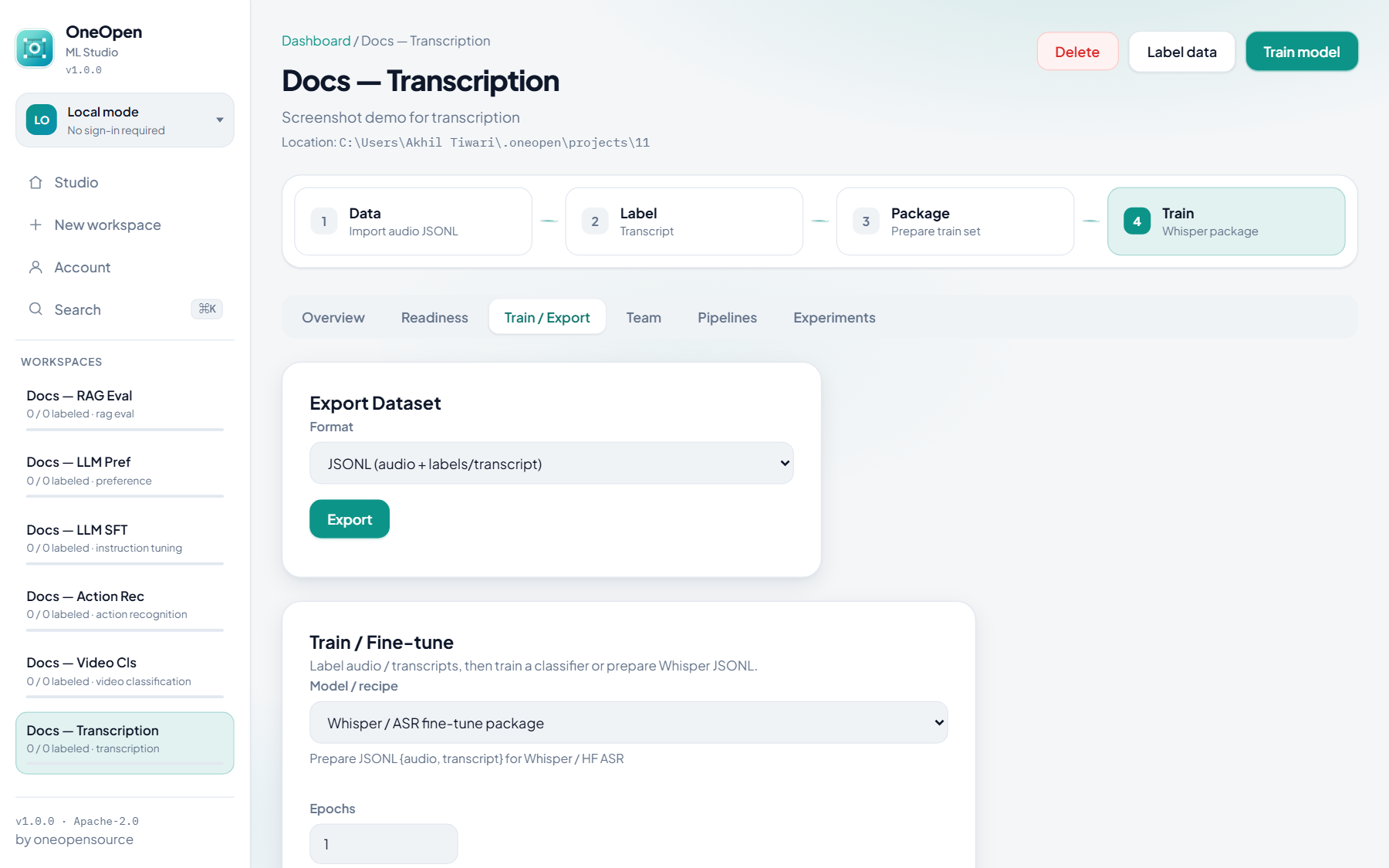
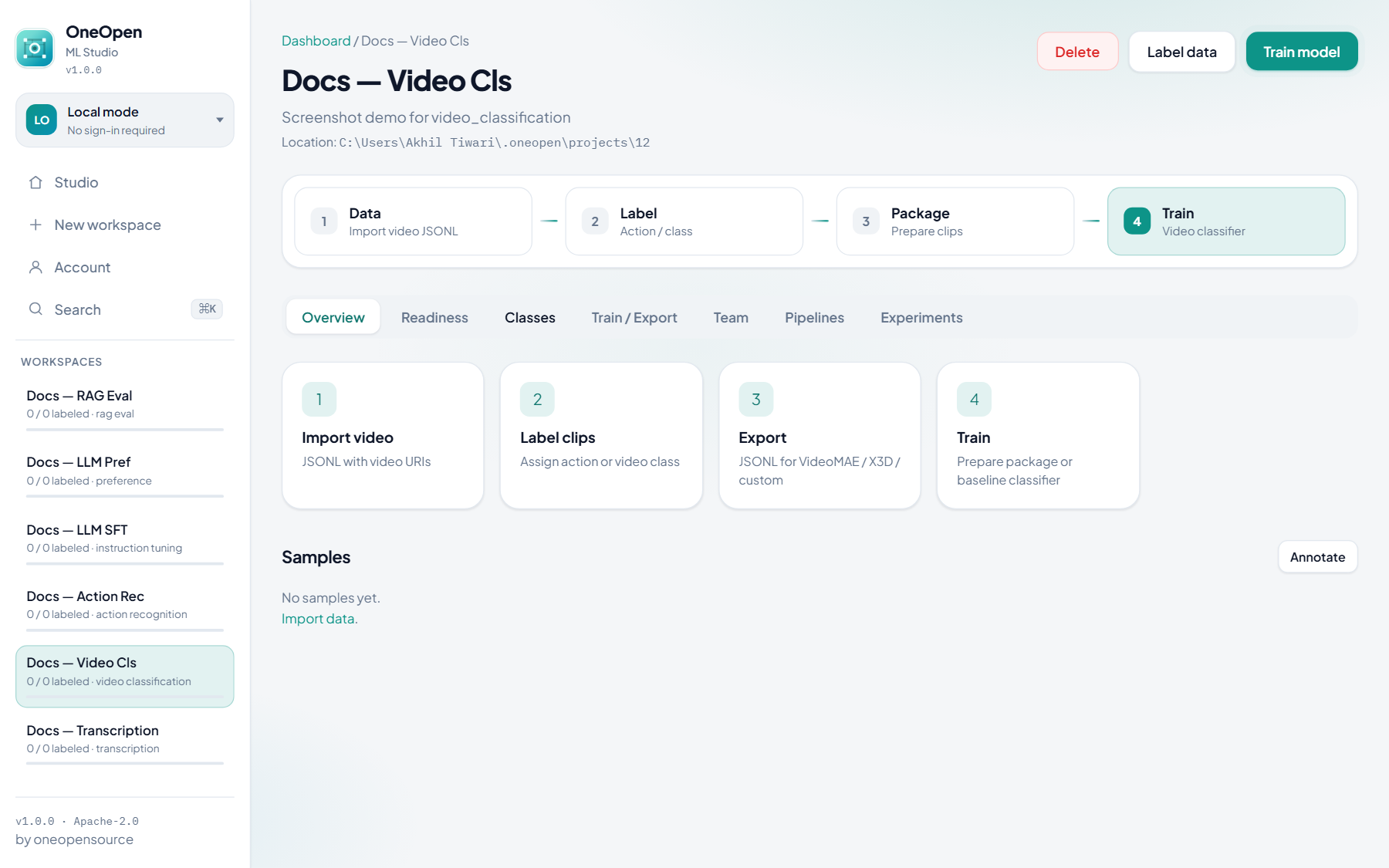
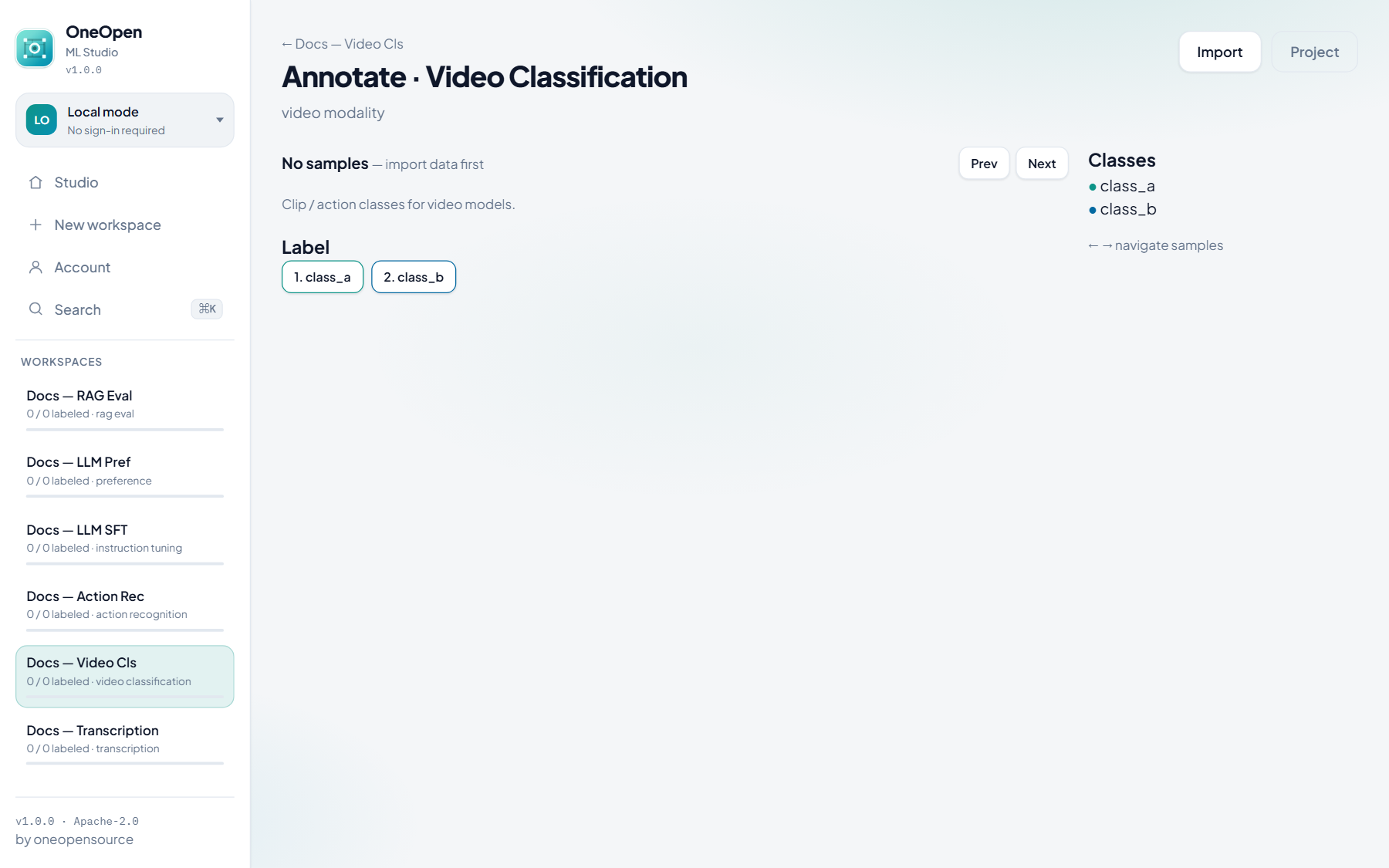
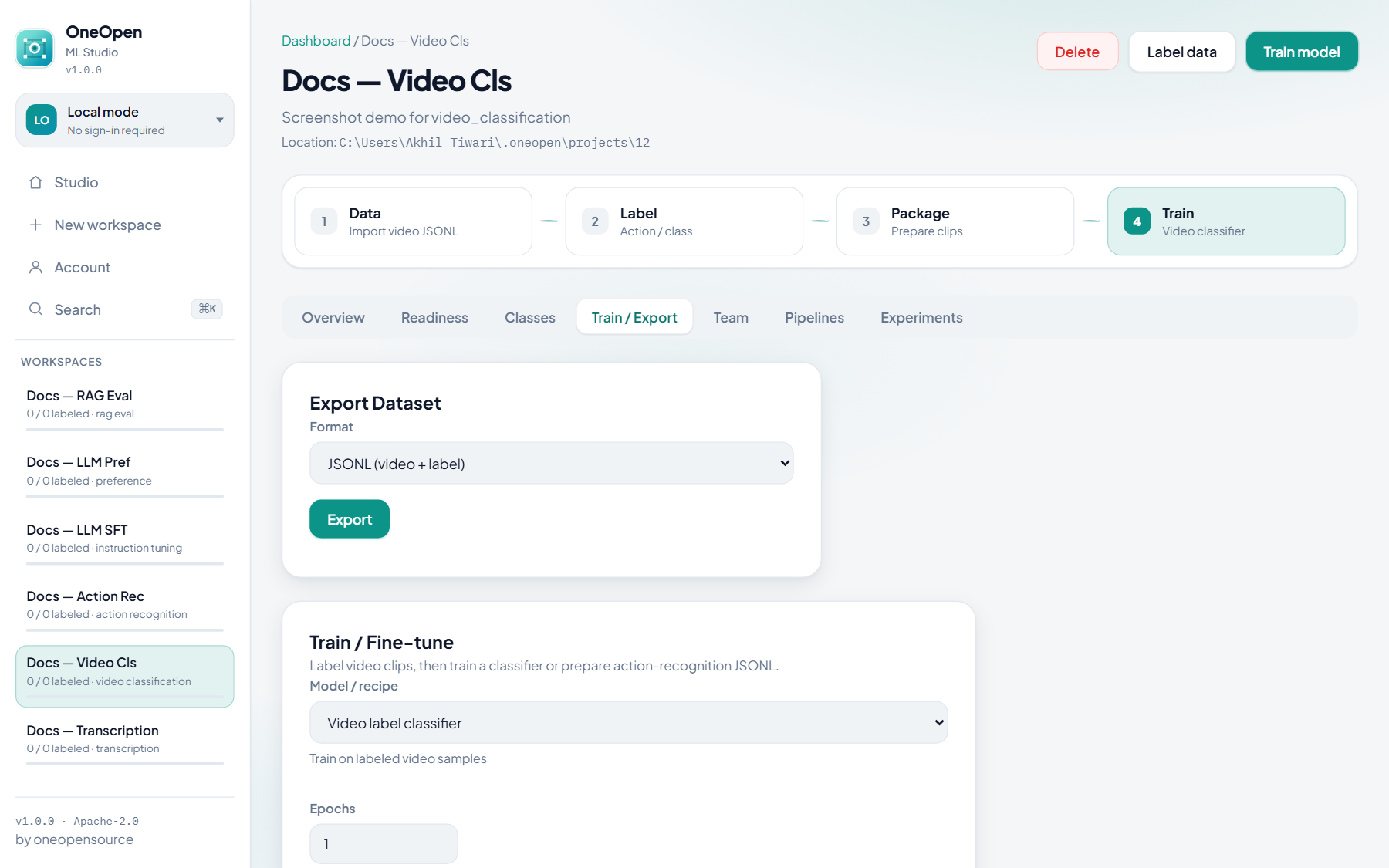
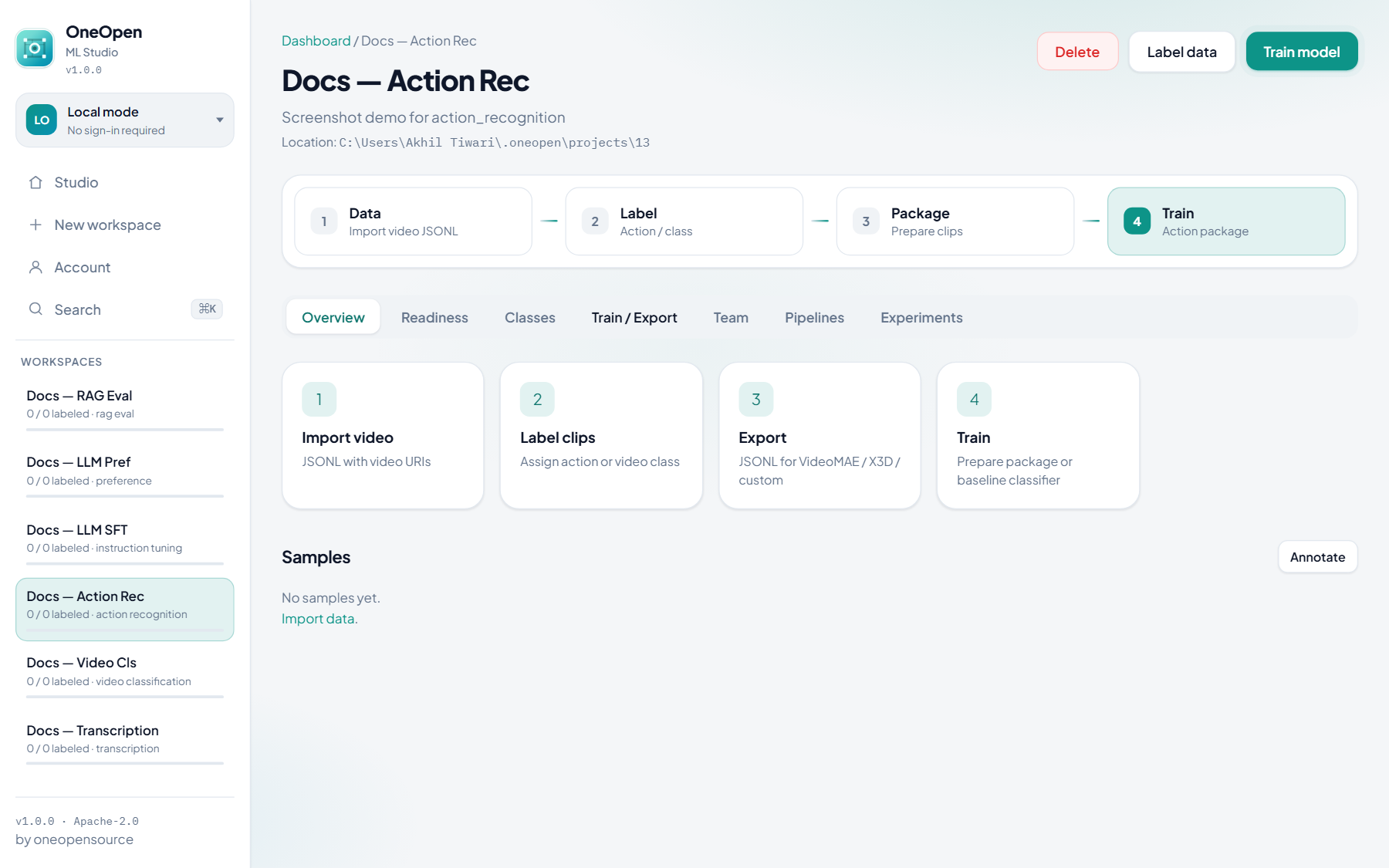
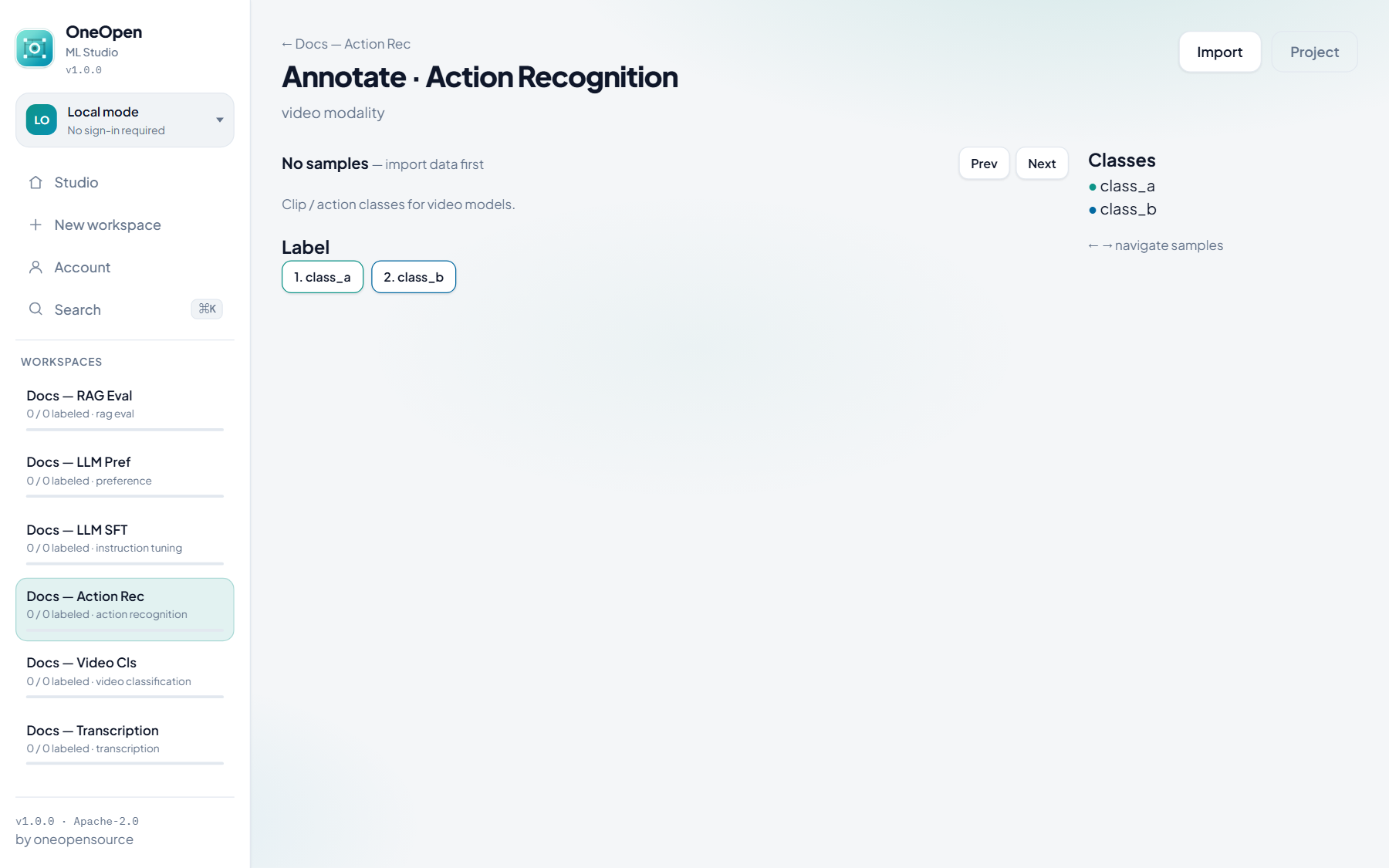
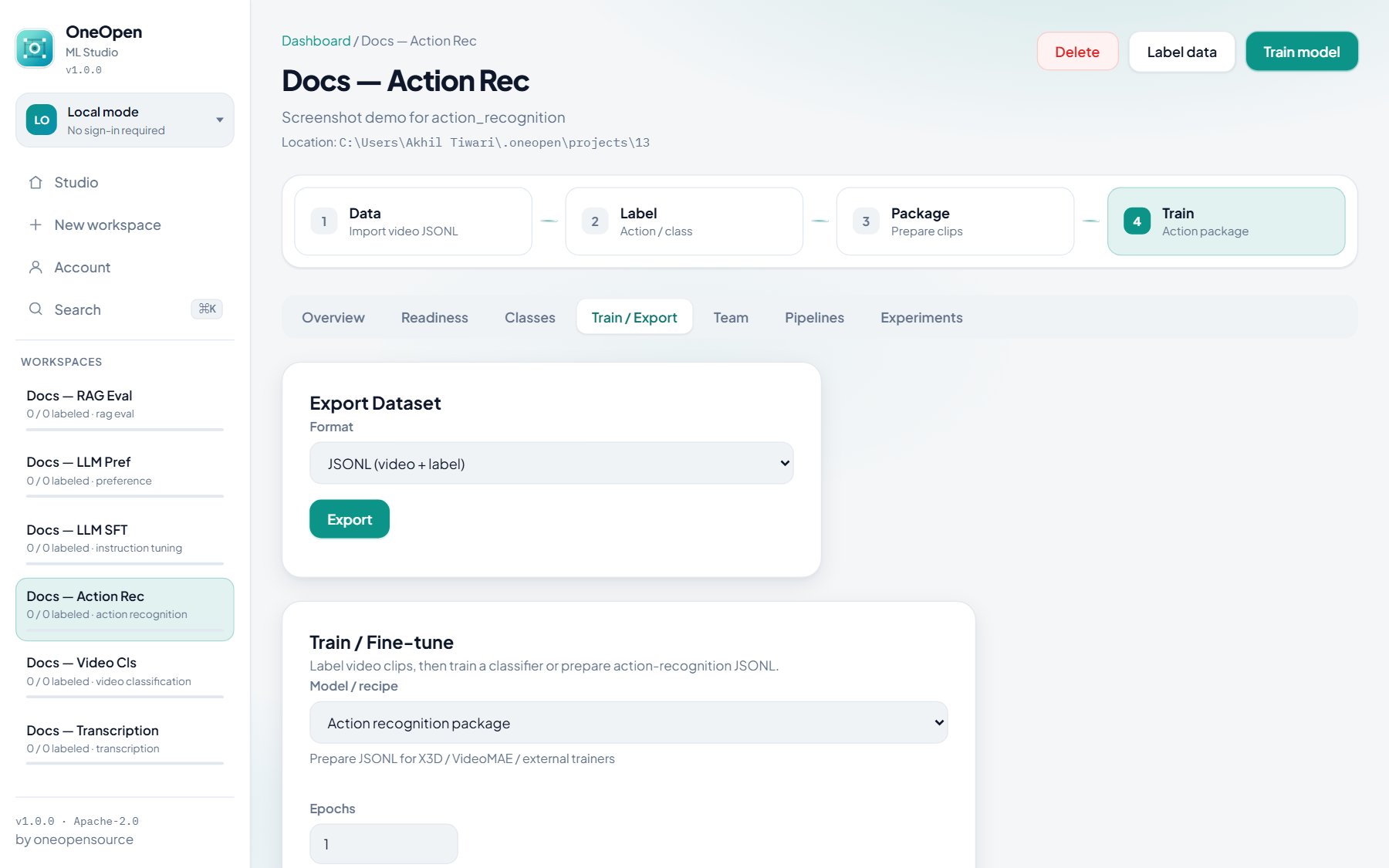
Import URI/path JSONL, label clips or transcripts, then train baselines or prepare packages for external trainers (Whisper, VideoMAE / X3D, etc.).
Audio classification
Transcription (ASR)
No Classes tab — write transcripts, then Whisper / HF ASR prepare.
Video classification
Action recognition
LLM datasets
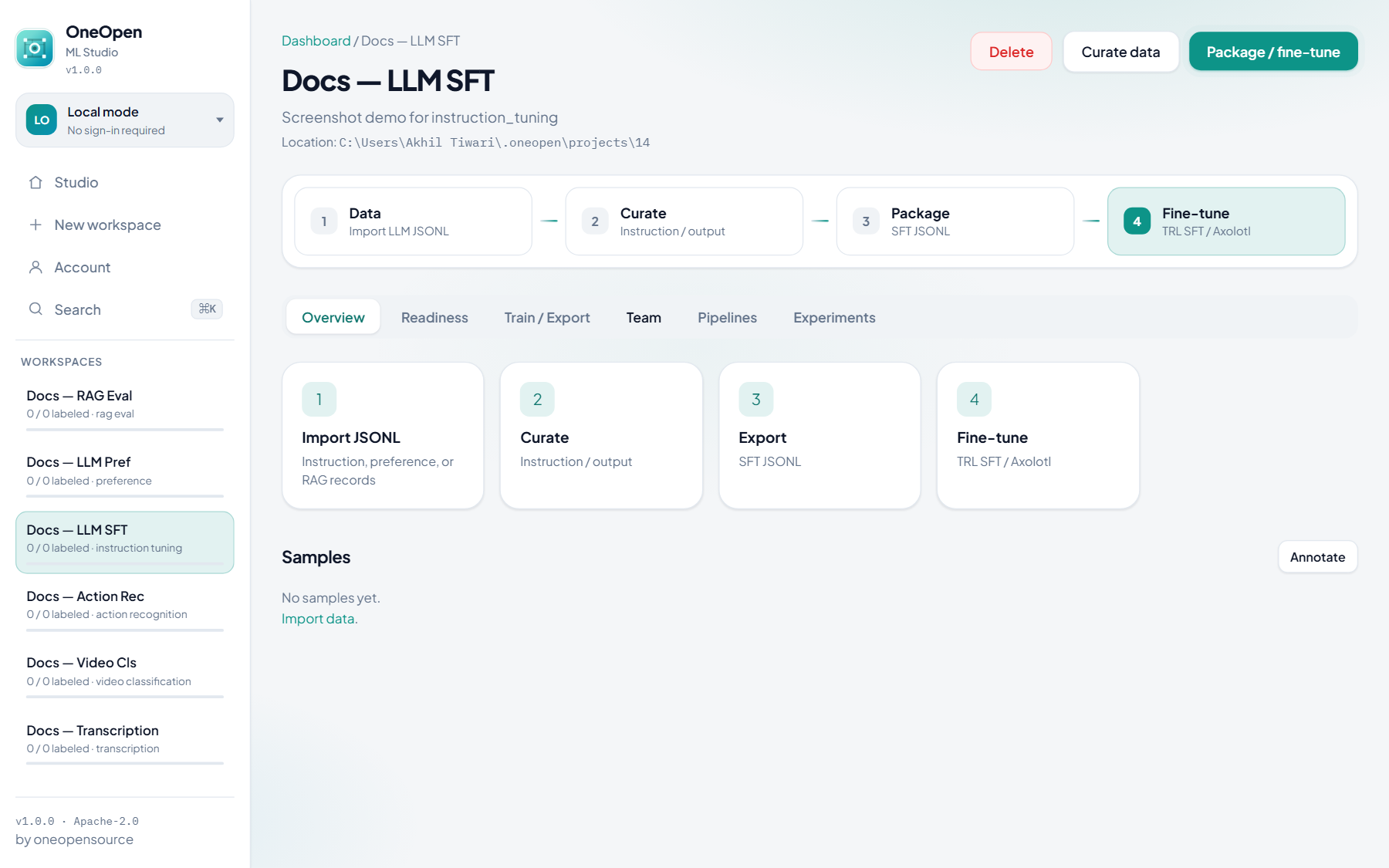
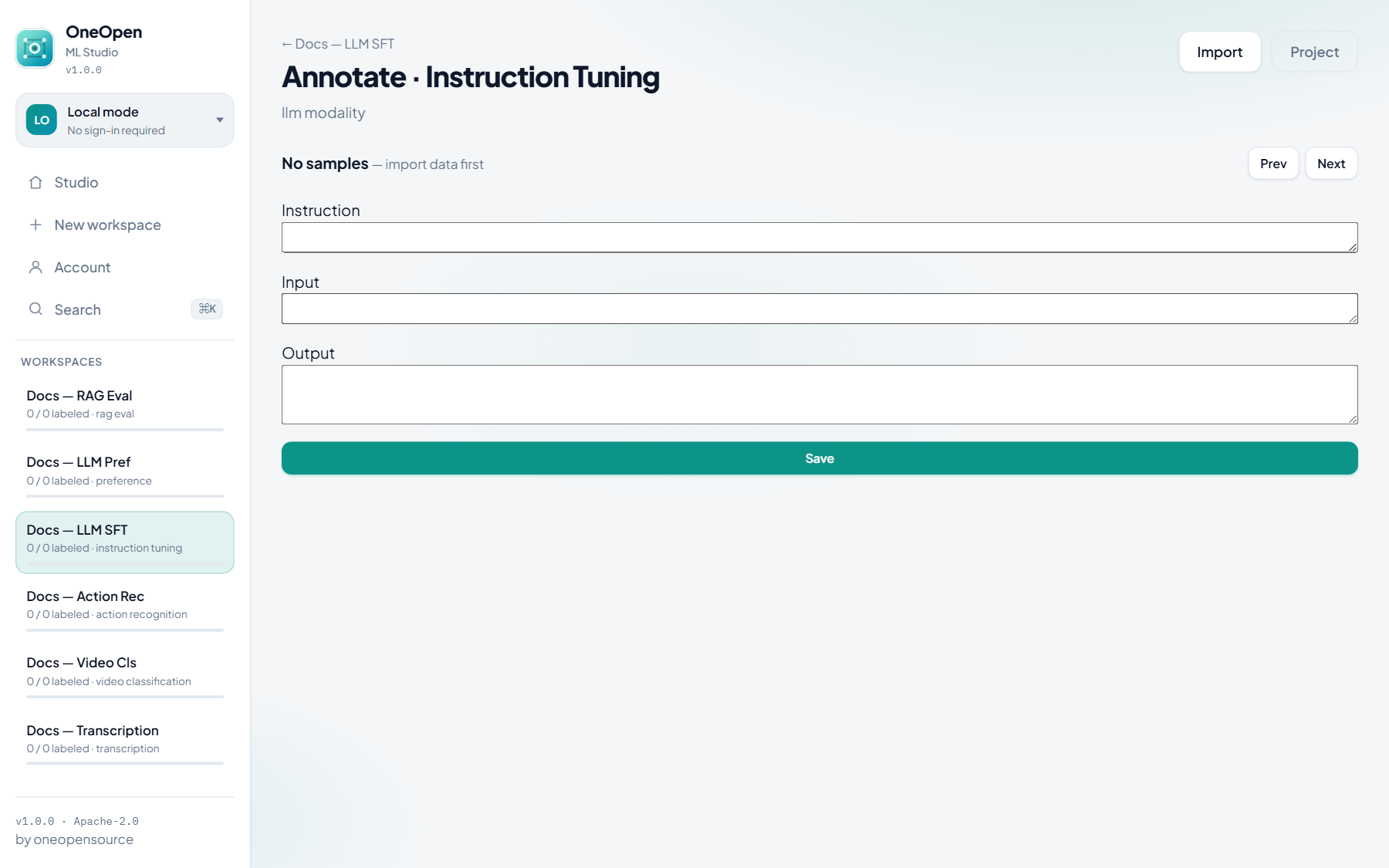
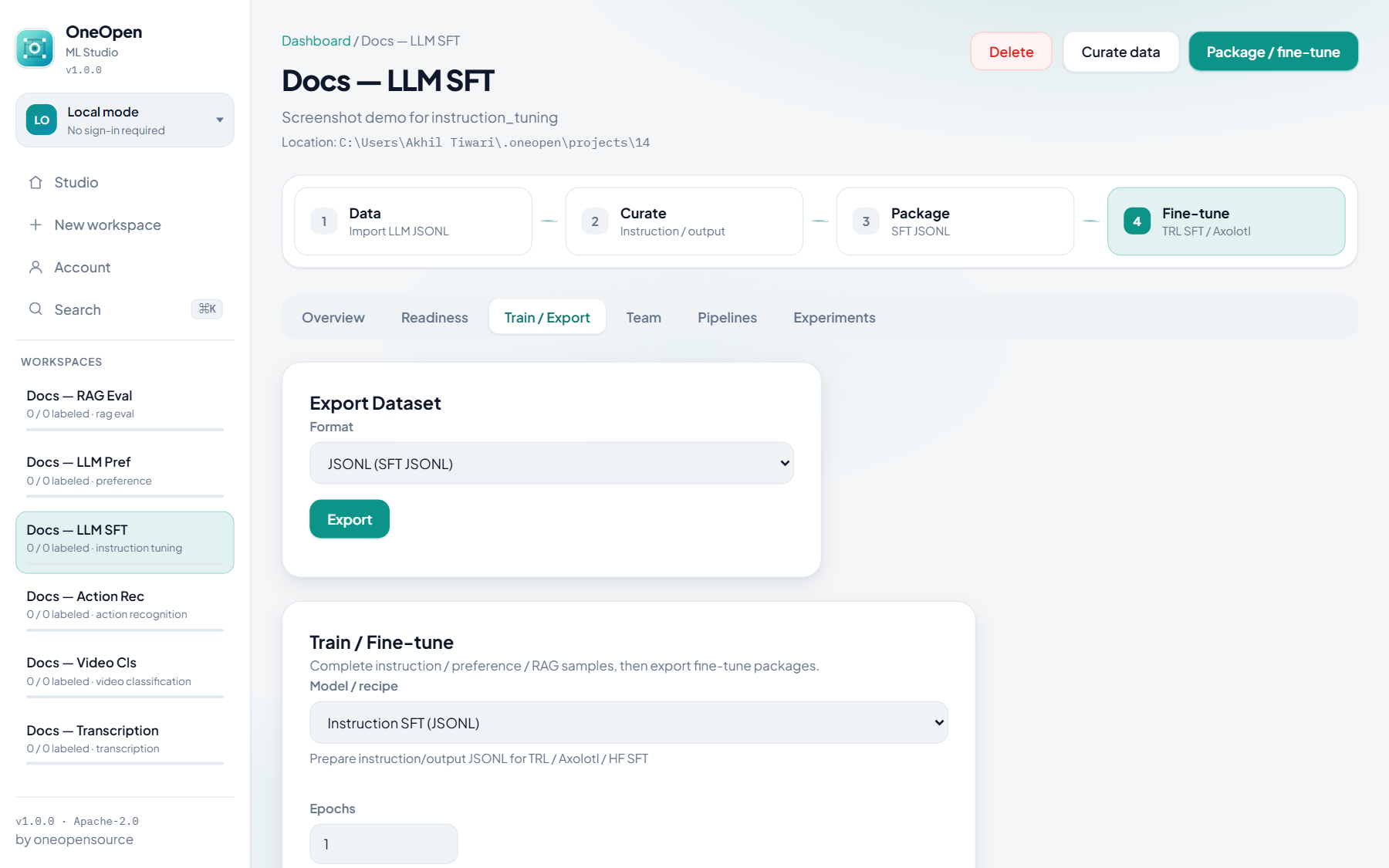
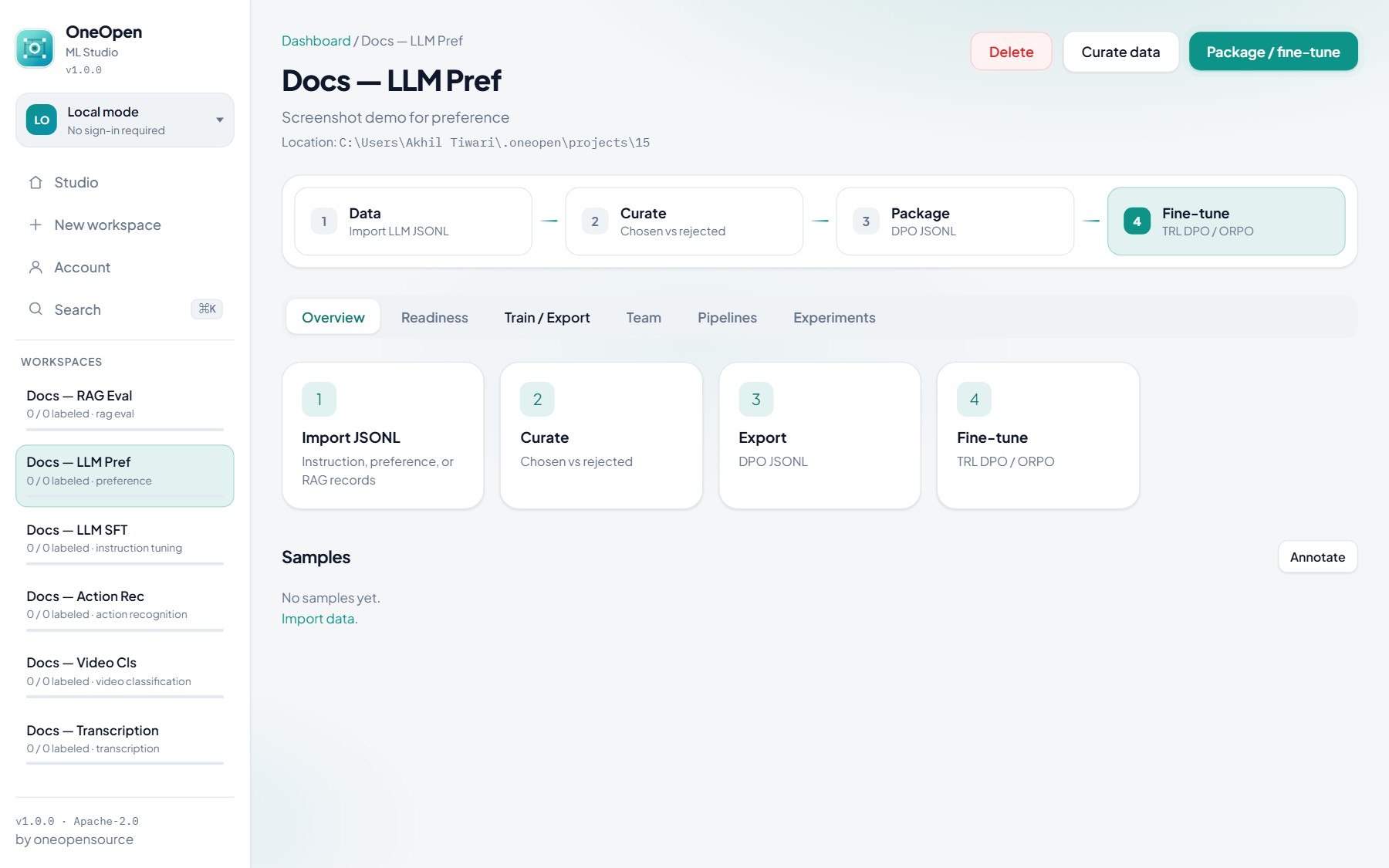
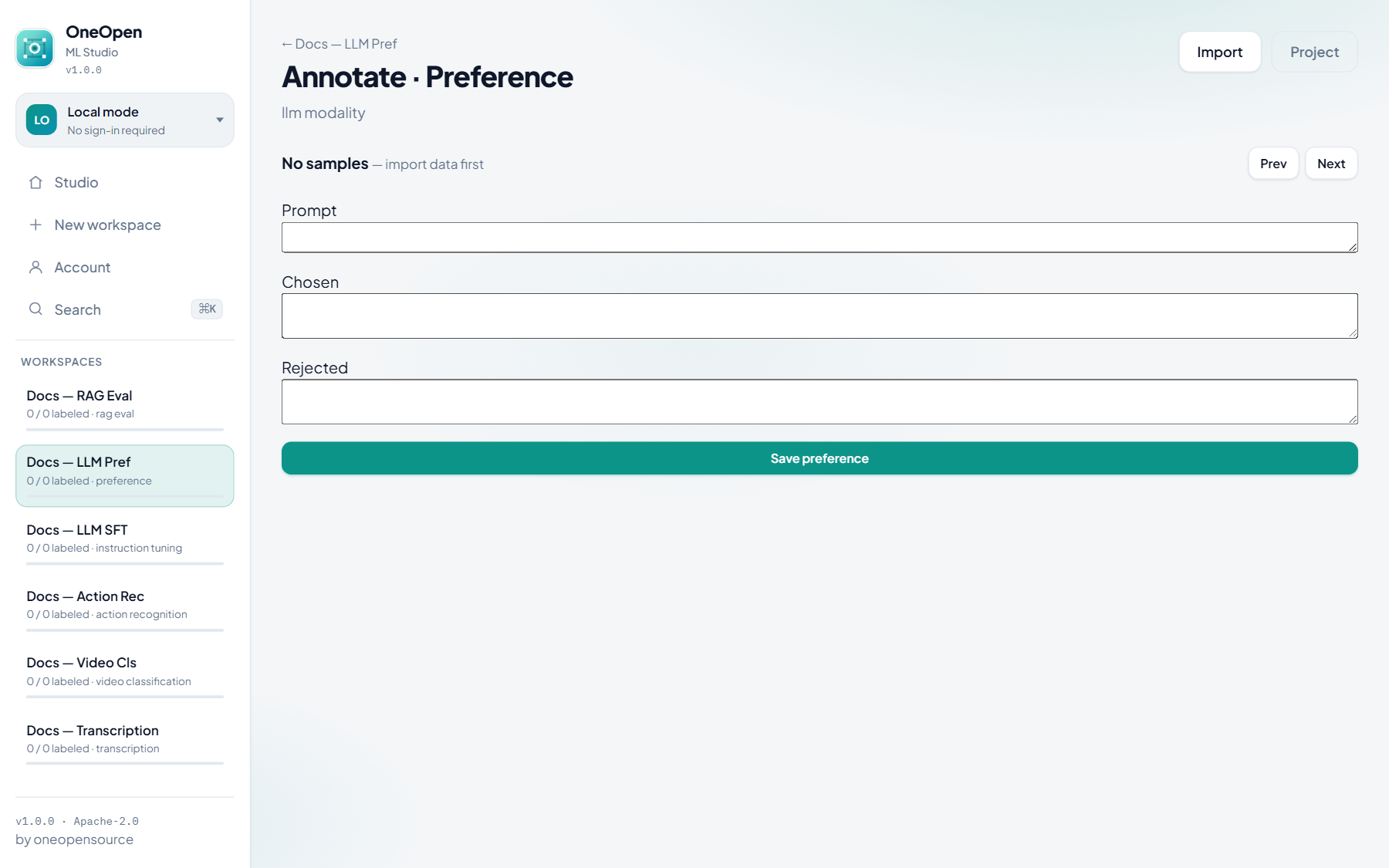
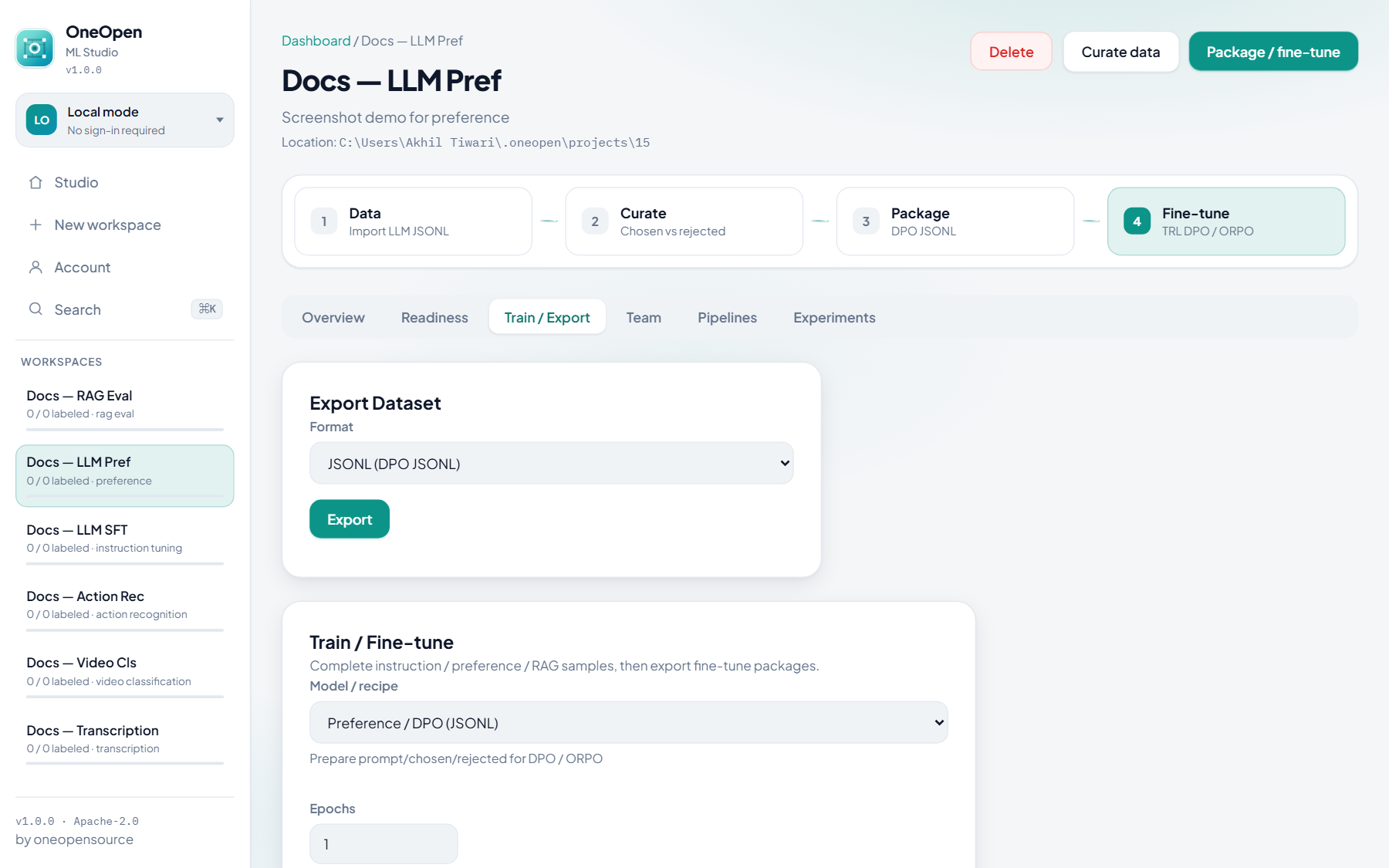
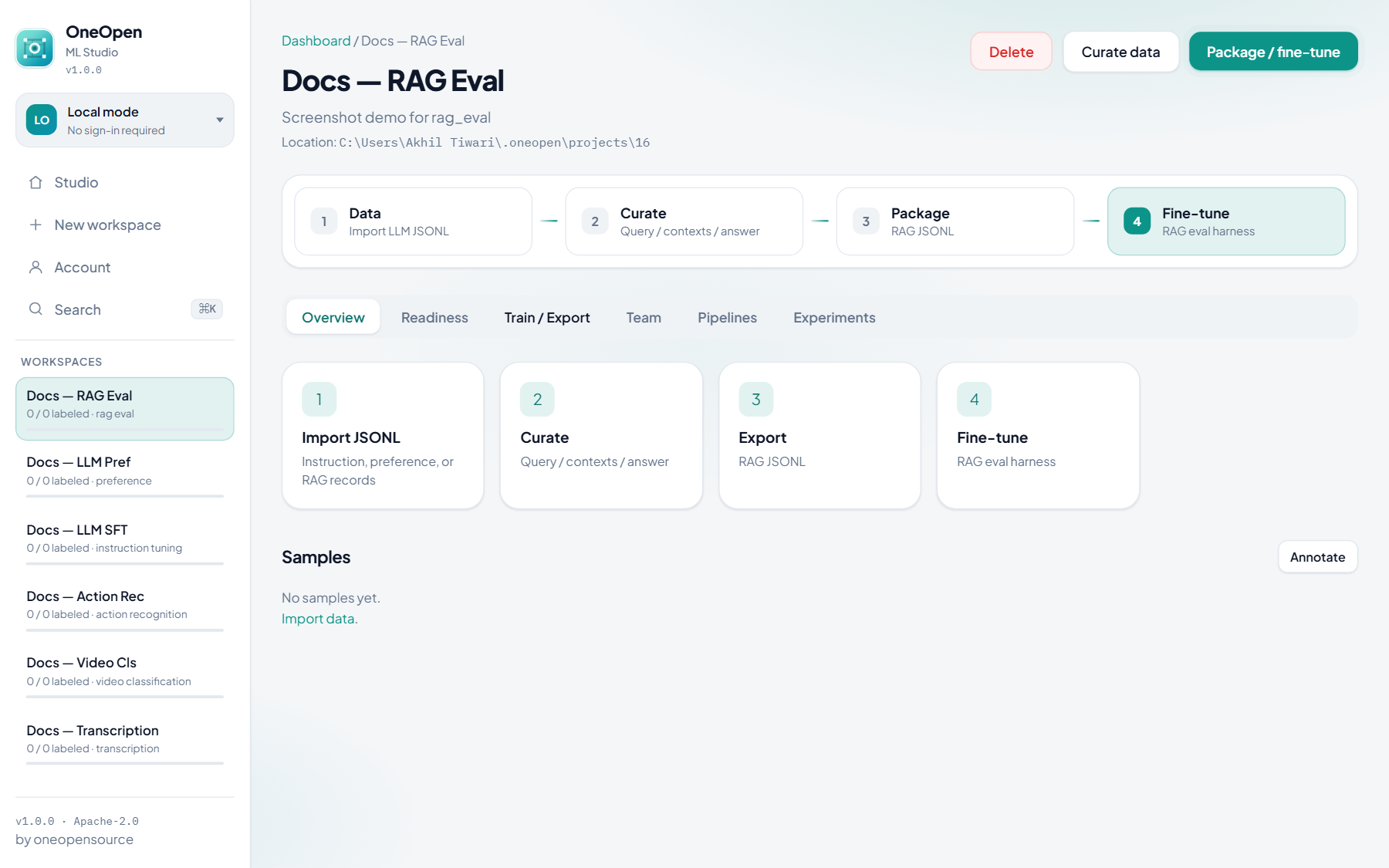
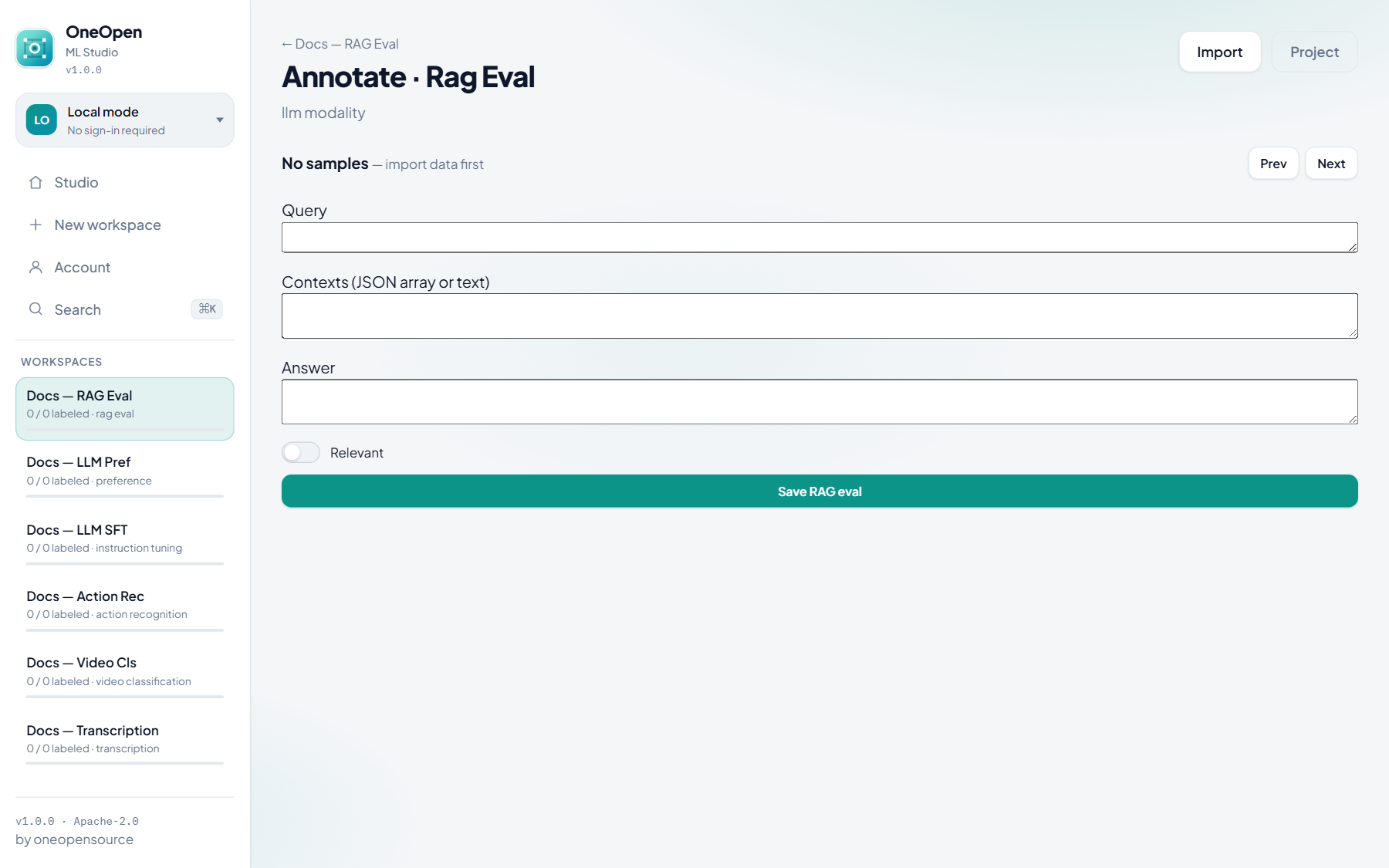
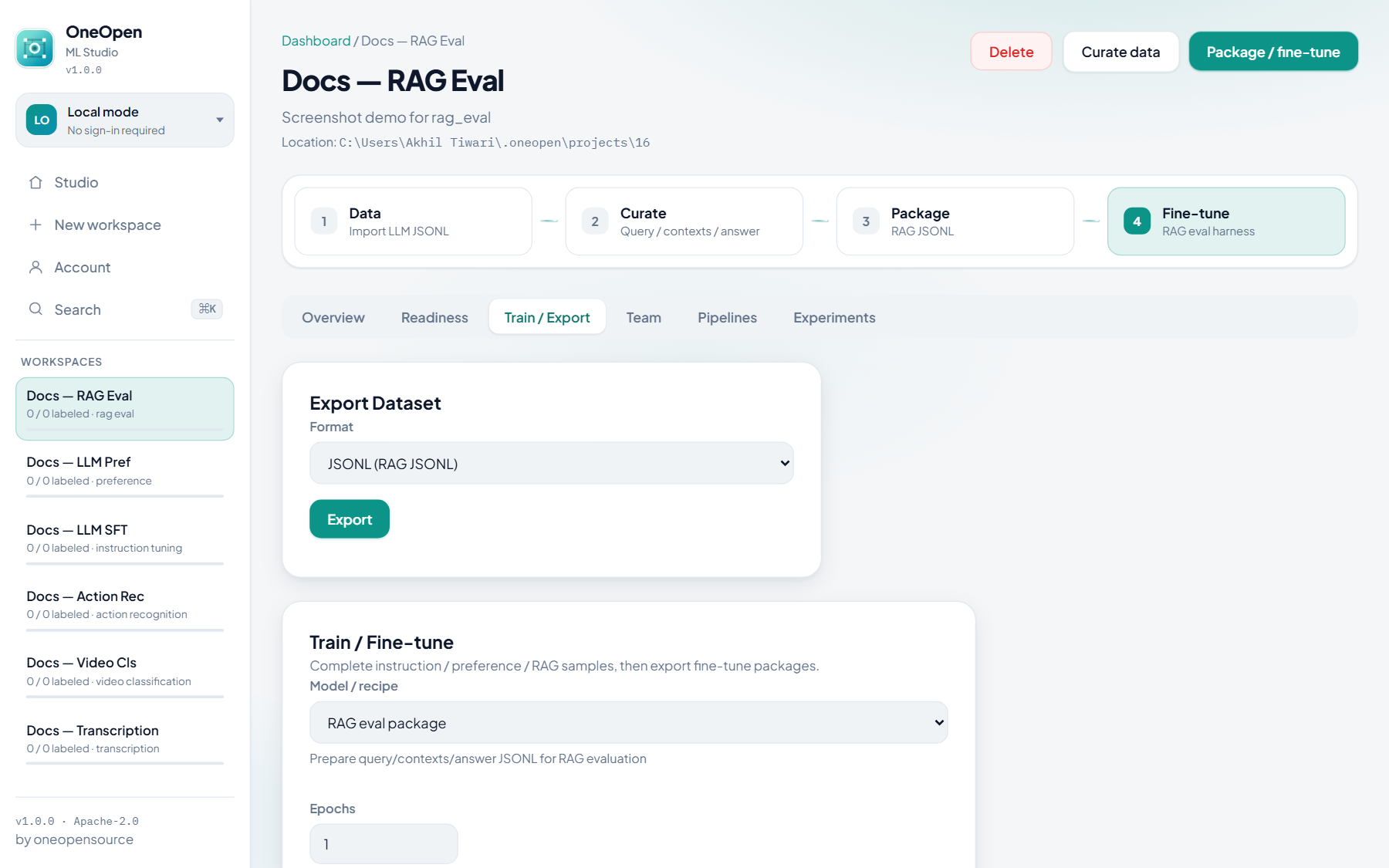
No Classes / Generate tabs. Curate instruction, preference, or RAG records, export JSONL, fine-tune externally (TRL / Axolotl / Unsloth) or use Studio prepare packages.
Instruction tuning (SFT)

Preference (DPO / ORPO)
RAG evaluation
Quick reference
Project type |
Label UI |
Version / Generate |
Train highlights |
|---|---|---|---|
Object detection |
Boxes, polygon, SAM, Label Assist |
Yes |
YOLO, Face, Faster R-CNN, RetinaNet, SSD |
Image classification |
Whole-image class |
Yes |
YOLO-Cls, ResNet, EfficientNet, ViT, Swin… |
Instance / semantic seg |
Polygons / SAM |
Yes |
YOLO-Seg, Mask R-CNN, DeepLabV3, FCN |
Text classification |
Class buttons |
No |
TF-IDF / HF prepare |
NER |
Spans |
No |
HF token-cls prepare |
Tabular cls / reg |
Class or value |
No |
sklearn |
Audio cls |
Clip class |
No |
Audio baseline |
Transcription |
Transcript text |
No |
Whisper prepare |
Video / action |
Clip / action class |
No |
Video baseline / action package |
Instruction / preference / RAG |
Field curator |
No |
SFT / DPO / RAG JSONL |